On this page
- Keep the door closed during the outage and open it as seldom as you can. 13
- The Power failure alarm stays until you confirm it, and the freezer cools back by itself. 1
- Two touches show the warmest temperature; -9 C (16 F) is the line in the manual. 12
- In SabbathMode there is no power message at all, so treat the food with care. 12
What comes first once the power is back?#
Leave the freezer door shut and let the freezer start cooling again. Liebherr's freezer manuals say to keep the appliance closed during an outage, and the Monolith manual adds that the door should be opened as infrequently as possible. 13
That advice sounds almost too simple, but it is the biggest thing you control. A closed freezer holds its cold much longer than one that is opened to peek. While you wait, find out what kind of display you have, because the next steps depend on it.
How do I read the Power failure alarm?#
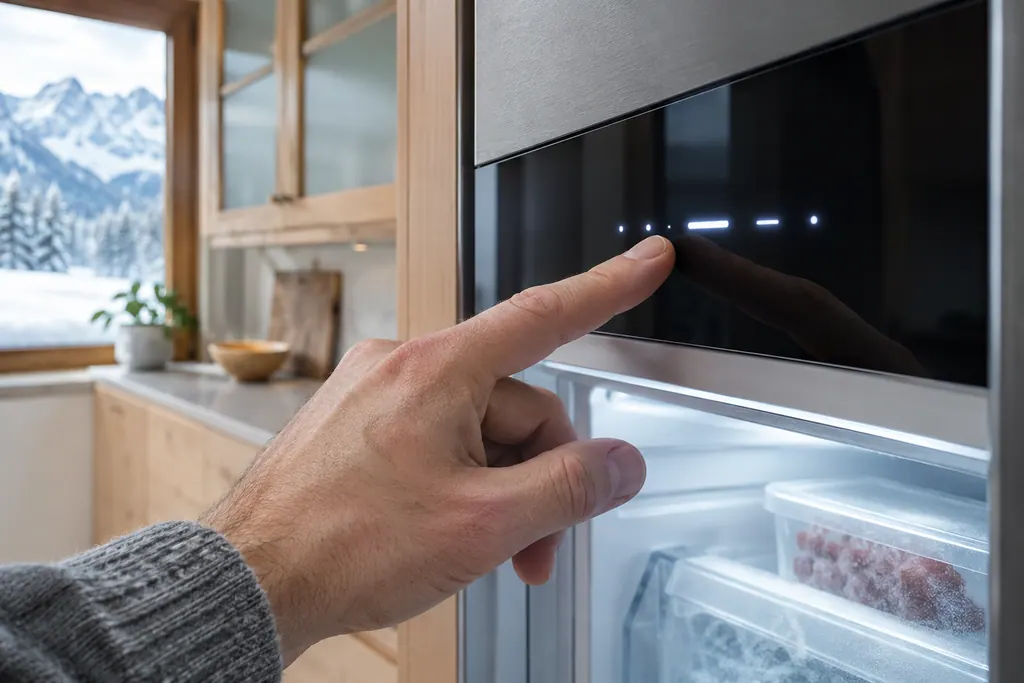
On a Liebherr freezer with the Touch & Swipe display, touch the screen once to open the warning, then once more to see the warmest freezing temperature. Liebherr prints one rule for that reading: below -9 C (16 F), the food can still be eaten. 12
Here is what the freezer does by itself. When the freezing temperature rises because of an outage, the display shows a red warning, an alarm sounds in rising volume and, on some models, the interior light pulses. 1 Once power is back, the freezer cools toward the target you set earlier. It does not need you to confirm that, but the message stays on the screen until you do. 12
- 1
- 2
- 3
- 4
The Monolith column manual (the MF series) has no Power failure message in its text. All it says on the subject is to open the door as seldom as possible during an outage, so it gives you no temperature rule to apply. 3 Our freezer Power failure alarm page shows the wording the Touch & Swipe models use.
What does the freezer manual say about thawed food?#
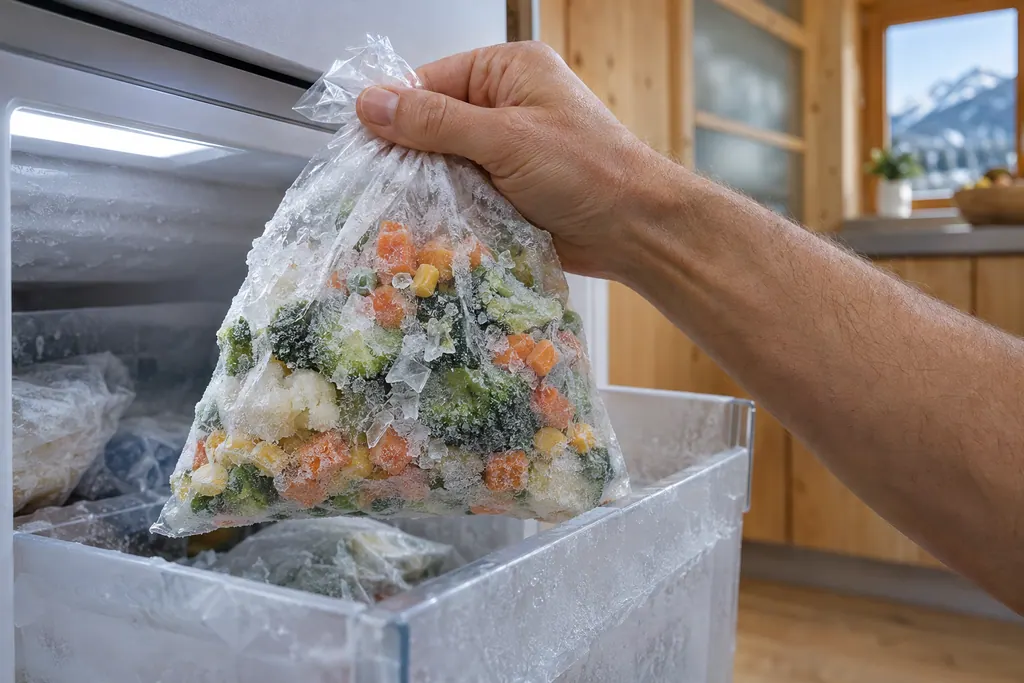
Do not put defrosted food back in the freezer. That is printed twice in the SF 5291 manual, as a food-poisoning warning in the storage chapter and in the troubleshooting row for a power failure. 1
The troubleshooting row lists the other two moves: keep the appliance closed, and if the outage runs long, protect the food with cold storage batteries laid on top or use another freezer. 1 The words "cold storage batteries" mean the reusable cold packs sold for coolers, so a few of those in the freezer drawers before a storm are a cheap safeguard.
Liebherr's text does not give hours. It never says how long a closed freezer will stay cold, so we will not put a figure on it. The display reading is the thing to trust.
Why might there be no power message at all?#
If the freezer was in SabbathMode, it shows no message about the outage. Liebherr's warning on that page says the unit keeps running in SabbathMode when power returns, and that spoiled food can cause food poisoning. 12
The manual's instruction after such an outage is blunt: do not consume food that has been frozen and thawed. 12 Our guide to what SabbathMode switches off lists the alarms that stay silent in that mode, and the SabbathMode row shows the display text.
Another reason for no message is that the freezer never lost power, and the cause lies elsewhere. If the display is dark, the troubleshooting table points first to the plug, the wall fuse and the appliance socket. 1
What if the Temperature alarm shows afterward?#
The Temperature alarm appears when the freezing temperature does not match the set temperature, and a long power cut is one of four causes the manual lists. 1 The others are warm fresh food put in, too much warm room air during a rearranging, and a defective appliance. 1
The steps to end it are the same two touches as above, plus a remedy for the cause. After you remove the cause, the freezer cools back to the earlier target. 1 Our freezer Temperature alarm page covers it from the display side.
A new load of fresh food is the cause owners hit most. The SF 5291 manual points to SuperFrost for that, a function that raises freezing capacity so a big load freezes to the core. 1 See the SuperFrost entry for what it does.
What temperature should the freezer hold between outages?#
On the SF 5291 the factory setting is -18 C (-0 F), which is also the recommended setting, and it advises keeping frozen food at -18 C or colder. The Monolith manual gives a standard setting of 0 F and a settable range from 7 F down to -15 F. 13
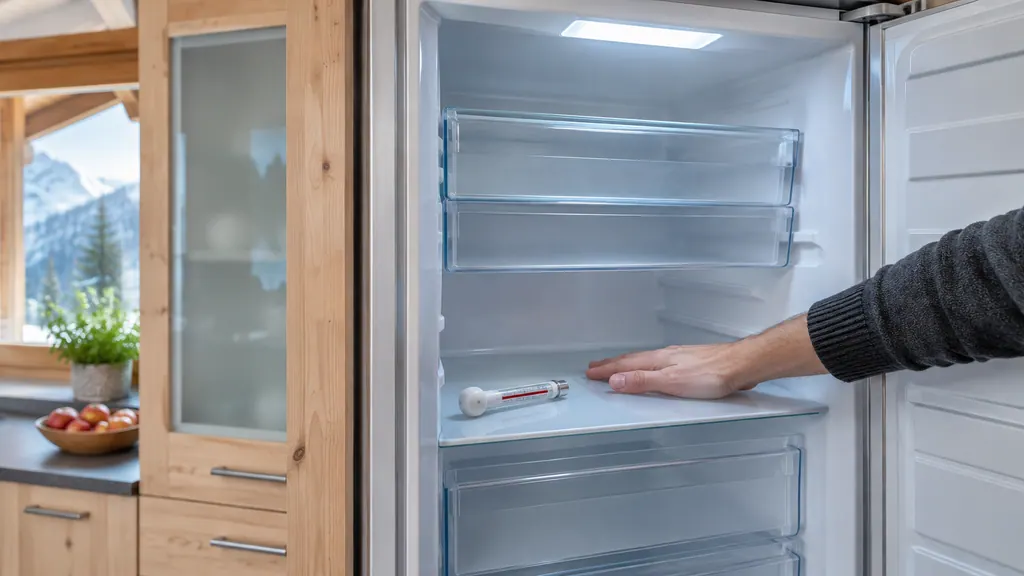
That gives you a yardstick for the days after an outage. The Monolith troubleshooting list even asks whether a separately installed thermometer shows the correct reading, so a cheap appliance thermometer on a shelf is a reasonable cross-check against the display. 3 If the number sits well above the target a full day after a normal outage, and the door has stayed shut, the cooling needs a look.
On the SF 5291, the troubleshooting table adds that once a door has stood open too long, the appliance cools harder and the display can read warmer than the real temperature. 1 So a high reading in the hours right after an outage, with a lot of door activity, is not automatically a bad sign.
How do I prepare for the next outage?#
Keep the food packed with air gaps, keep a few cold packs in the freezer and know where the door stays shut. Liebherr asks you to leave space between goods for air circulation and to keep the fan air vents free. 1
The same manual lists cold storage batteries as the way to protect food during a long outage. 1 Ours is a simple habit: freeze two or three flat packs and keep them in a top drawer, where they cost almost nothing in space. The fan and air vents entry shows what the vents look like, since a blocked vent works against the cooling you are trying to protect.
One more point from the manual: a Liebherr that was in SabbathMode before the outage will not tell you anything on its own. If a holiday and a storm overlap, assume the worst for the food and check it by hand. 12
When does a power cut become a repair?#
A power cut is not the freezer's problem, so most of the time you need no visit. Book one when the freezer stays warm after power and closed doors, when an alarm keeps returning, or when the display shows Error with a code. 12
For an Error, Liebherr tells you to touch the display, make a note of the code, and contact customer service. 1 Our independent repair company can take it from there: book a visit with the model name from the appliance information screen and the code. Our freezer service page says what a visit covers.
Our business stands apart from Liebherr. If your freezer is still inside Liebherr's own warranty, that repair is Liebherr's job; otherwise we can help, with the price settled between you and the technician ahead of any work, and the exact cost fixed after the diagnostic at your home.
What about a Liebherr wine cabinet or refrigerator?#
Their manuals differ from the freezer's. The W5250 wine cabinet prints a Power failure message with a "check the quality" instruction, while the URh 375i refrigerator manual lists only a door alarm, Error and a WLAN message. The minus 9 C line is a freezer rule. 45
On the wine cabinet, the Power failure message appears after an interruption if the temperature is above the alarm limit when power returns. You press the confirmation button to see the warmest temperature, press again to end the alarm, and check the stored bottles. 4 Its electronic door lock also closes after an outage and cannot be turned off, so see our wine cabinet door lock entry if the door stays shut. 4
Sources#
- User GuideLiebherr-Hausgeräte (US market edition; linked from https://www.liebherr.com/en-us/p/sfnsth-529i-3033451) · PDF created 10.11.2025; file tag SFNsth529i_237; cover: SF 5291; US product page SFNsth 529i · PDF pages 9, 15, 22-23, 32
- User GuideLiebherr-Hausgeräte (US market edition; linked from https://www.liebherr.com/en-us/p/sufnh-365i-3033453) · PDF created 07.09.2026; file tag SUFNh365i_237; cover: SUFNc 375i, SUFNd 365i; US product page SUFNh 365i · PDF pages 13-14, 18-19
- Use and Care Manual FreezerLiebherr-Hausgeräte (US market edition; linked from https://www.liebherr.com/en-us/p/efnhi-9971-3033453) · PDF created 07.04.2026; file tag EFNhi9971_237; cover: MF 1851 / MF 1861 / MF 2451 / MF2461 / MF 3051 / MF 3061 / MF 3651 / MF3661, 7085 979-01 · PDF pages 4, 12, 25, 27-29
- User GuideLiebherr-Hausgeräte (US market edition; linked from https://www.liebherr.com/en-us/p/wpsd-5252-3033484) · PDF created 07.07.2025; file tag WPsd5252_137; cover: W5250 (freestanding wine cabinet); US product page WPsd 5252 · PDF pages 13, 15, 17, 19-20, 22, 24, 26
- User GuideLiebherr-Hausgeräte (US market edition; linked from https://www.liebherr.com/en-us/p/urh-375i-3033413) · PDF created 07.09.2026; file tag URh375i_137; US product pages URh 365i, URh 375i · PDF pages 5, 14, 17, 19-20, 23-27