On this page
- Demo mode switches off all refrigeration functions while the display looks normal. 13
- Signs: DEMO or Demo on Touch & Swipe screens, a D on W5250 and UW 3710, code 151 on Monolith freezers. 1234
- On Touch & Swipe models, leaving the mode resets everything to factory settings. 13
- The HW wine cooler manual lists a warm unit with a temperature value as Demo mode. 6
Why does a Liebherr power up but stay warm?#
The cause may be Demo mode. Liebherr's manuals call it a special feature for dealers who want to show appliance functions, and they say that activating it deactivates all refrigeration functions. 134
So the screen lights, the buttons answer and a temperature may even appear, while nothing cools. It looks exactly like a dead compressor, so it is the first cause to rule out. On a Monolith freezer the manual puts it more bluntly: the mode presents the appliance as if it were running normally, and the cooling circuit is switched off. 2
Which signs give Demo mode away?#
Look at what the status display shows when you switch the appliance on. The signs depend on the model, and the table lists the ones the manuals print. 123456
| Model we read | Sign of Demo mode |
|---|---|
| SF 5291 freezer | DEMO in the status display |
| URh 375i refrigerator | Demo in the status display |
| W5250 wine cabinet | A D on the status display |
| UW 3710 wine cabinet | A D on the status display |
| Monolith MF freezers | DemoMode, left with code 151 |
| HW 3000 / 4800 / 8000 | A temperature value shows but the cooling unit does not start after plugging in |
Our own display pages are the freezer DemoMode row and the wine cooler DemoMode row.
The SF 5291 adds a detail for new installs. If you switch it on for the first time and DEMO shows, the manual says you can deactivate the mode within the next 5 minutes. 1
What should I check before blaming Demo mode?#
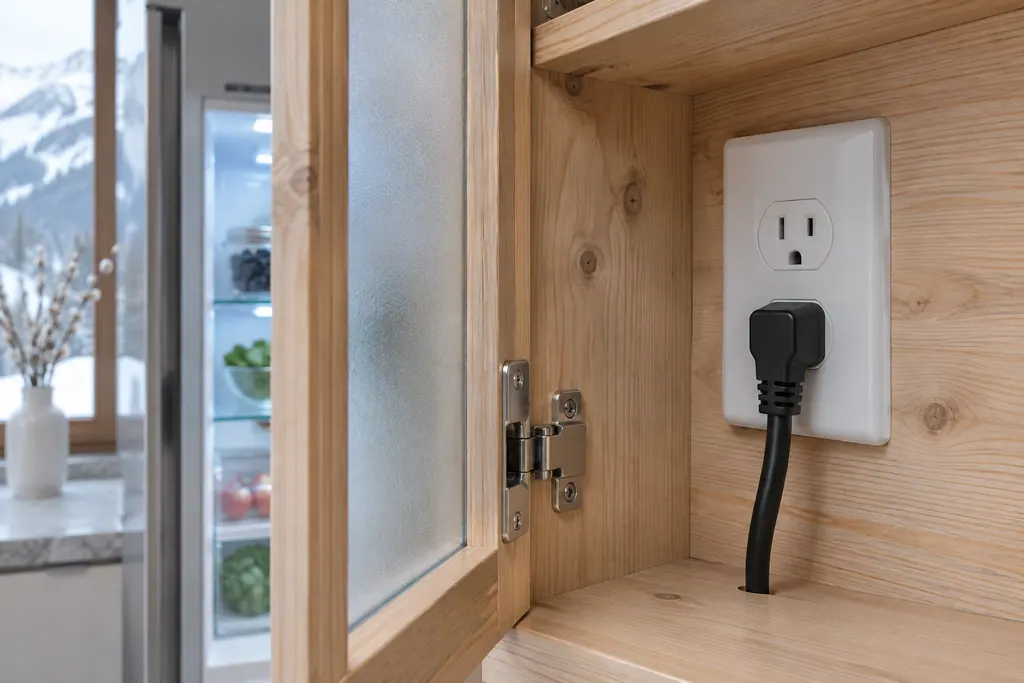
Check the three basics the manuals list for an appliance that does not work: that it is switched on, that the plug sits fully in the wall socket and that the circuit breaker or fuse works. 136
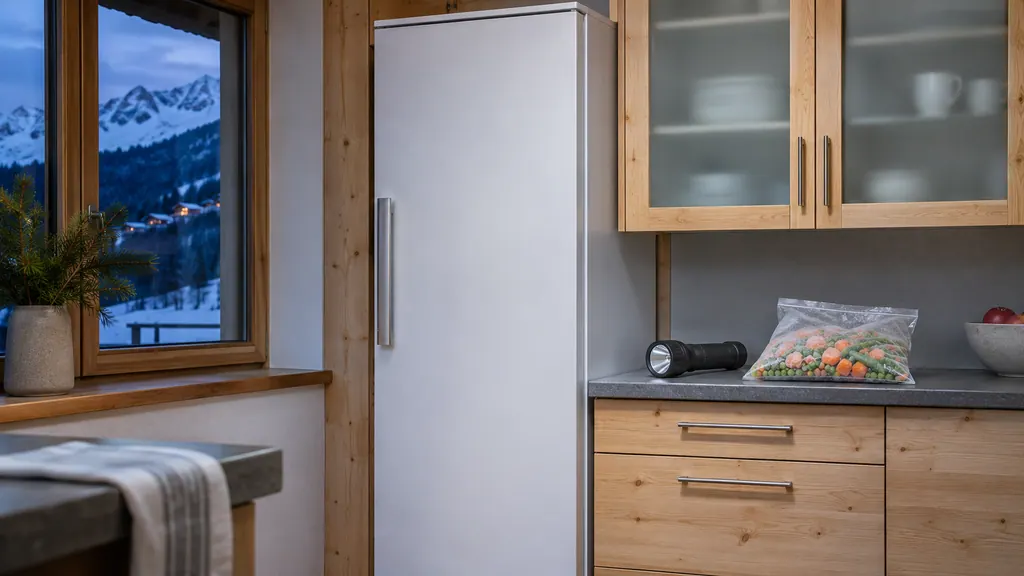
On the SF 5291 that table also names the appliance socket (the IEC connector) that must sit correctly in the appliance. 1 If the display itself is dark, that points to power and not to Demo mode, because Demo mode needs a working screen. Picture the plug fully seated, with no gap at the outlet.
Which steps end Demo mode?#
Follow the pictures in your manual: every Touch & Swipe manual and both wine cabinet manuals show the deactivation as an illustration, and the Monolith freezer asks for code 151. The text around those pictures tells you what follows. 12345
On the SF 5291, Liebherr's text says the appliance is switched off after you deactivate the mode, and you then switch it on again, after which it is reset to factory settings. 1 The URh 375i prints the same words. 3
- 1
- 2
- 3
- 4
- 5
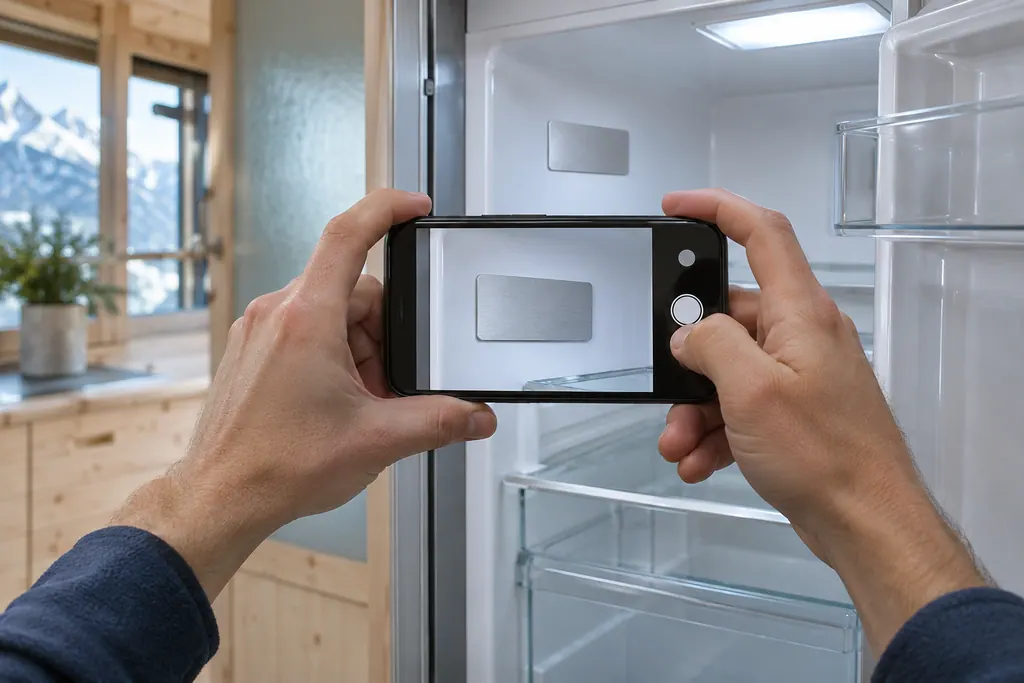
The HW wine coolers take a different route. Their troubleshooting table names Demo mode as the reason a temperature shows but the cooling unit does not start, and the remedy it prints is to contact the Liebherr Service Center. 6 Our repair company is independent of Liebherr, so if you prefer, book a visit with us instead; the manual simply has no owner steps for that model.
What does leaving Demo mode change?#
On the Touch & Swipe models, it resets all settings to the factory settings. Liebherr says "all settings you have made so far are reset to their original settings", so a new owner has nothing to lose, and an owner who changed things must repeat them. 13
Typical settings to redo are language, temperature unit, door alarm and display brightness. Our guide to the door alarm delay shows what the choices are. Freezer owners can also check the manufacturer's factory temperature on the SF 5291 page: -18 C (-0 F) is the factory setting and the recommended one. 1
After that, wait before you load food. The HW manual's first-use advice is to switch it on several hours before filling it. 6
How should I start a brand-new Liebherr?#
Work through the first-use list before you fill it. The SF 5291 asks you to remove all adhesive strips, protective films, transport locks and marketing leaflets from the drawers, and to be familiar with the Touch & Swipe display, before you switch it on. 1
Once it is on, the status display appears and the appliance cools toward the temperature set at the factory. If DEMO shows at that point, the five-minute window to deactivate the mode applies. 1 If your freezer has an IceMaker, the manual wants the IceMaker cleaned before first use, with the water line already hooked up and the appliance connected correctly. 1
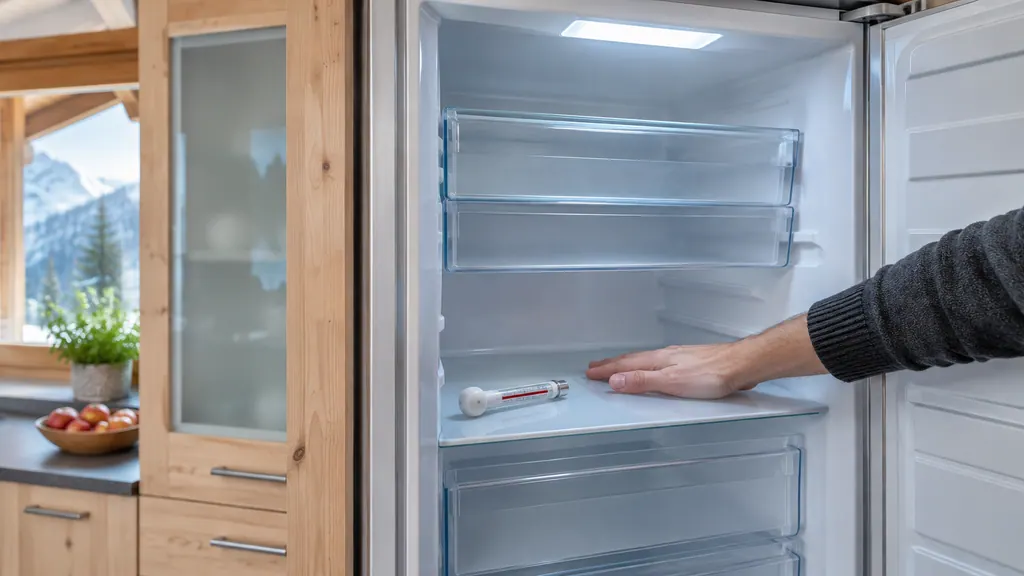
The HW wine cooler manual gives this order: clean the appliance, switch it on for the first time and then wait several hours before filling it. 6 That pause is also the best moment to notice whether the interior is actually getting cold.
How is a reset different from leaving Demo mode?#
On the Touch & Swipe models a Reset function sits right beside Demo mode. It resets all settings to the factory settings, switches the appliance off and asks you to restart it. 13 Leaving Demo mode does the same reset as a side effect. 13
So if you already left Demo mode and the display looks like a new appliance, a separate Reset run adds nothing. On the W5250 and UW 3710 wine cabinets the manuals use the same two-step pattern, with Demo mode and the reset function listed next to each other. 45
How does the Monolith code work?#
The Monolith manual shows the Demo mode steps in pictures and names one value in text: enter code 151, either to start or to stop DemoMode. If a wrong code goes in, the display switches back to the device information. 2
The same code opens the expanded menu on the SF 5291; its manual shows access with numerical code 151 as an example illustration. 1 The two documents agree on the number, so a Liebherr owner who has used one display will recognize the other. Take the code from your own manual and use it only on the page that names it. If the display returns to the device information, the entry did not take, and you try the sequence again from the start.
What if the cause lies elsewhere?#
Something other than Demo mode is at work, and the display or the symptom decides your next move. The SF 5291 table lists causes for a freezer that is not cold enough: a door not closed properly, a warm room, a door opened too often, too much fresh food and a wrong temperature setting. 1
Two follow-up reads are our Temperature alarm page for freezers and, for wine cabinets, the Temperature alarm page for wine storage. If the display shows Error, note the code, as the manuals ask, and book a visit. 13
When do I need a technician for this?#
Book one when no Demo wording appears and the appliance is still warm after the basic checks, or when your manual's Demo mode steps did not work. 126
No link exists between Liebherr and our independent repair company. Liebherr itself handles repairs that its own warranty still covers. For other cases, the technician and you settle the price before work begins, and the exact cost follows the diagnostic at your home. Our freezer service page, refrigerator page and wine storage page describe a visit.
Sources#
- User GuideLiebherr-Hausgeräte (US market edition; linked from https://www.liebherr.com/en-us/p/sfnsth-529i-3033451) · PDF created 10.11.2025; file tag SFNsth529i_237; cover: SF 5291; US product page SFNsth 529i · PDF pages 8, 20-21, 32
- Use and Care Manual FreezerLiebherr-Hausgeräte (US market edition; linked from https://www.liebherr.com/en-us/p/efnhi-9971-3033453) · PDF created 07.04.2026; file tag EFNhi9971_237; cover: MF 1851 / MF 1861 / MF 2451 / MF2461 / MF 3051 / MF 3061 / MF 3651 / MF3661, 7085 979-01 · PDF pages 25, 27-28
- User GuideLiebherr-Hausgeräte (US market edition; linked from https://www.liebherr.com/en-us/p/urh-375i-3033413) · PDF created 07.09.2026; file tag URh375i_137; US product pages URh 365i, URh 375i · PDF pages 17-18, 26
- User GuideLiebherr-Hausgeräte (US market edition; linked from https://www.liebherr.com/en-us/p/wpsd-5252-3033484) · PDF created 07.07.2025; file tag WPsd5252_137; cover: W5250 (freestanding wine cabinet); US product page WPsd 5252 · PDF pages 17-18
- User GuideLiebherr-Hausgeräte (US market edition; linked from https://www.liebherr.com/en-us/p/uwpri-3762-3033487) · PDF created 04.09.2026; file tag UWpri3762_137; cover: UW 3710 (wine cabinet); US product pages UWpri 3761, UWpri 3762 · PDF pages 18-19
- Use and Care Manual for Wine CoolerLiebherr-Hausgeräte (US market edition; linked from https://www.liebherr.com/en-us/p/ewtdf-3553-3033487) · PDF created 31.01.2025; file tag EWTdf3553_137; cover: HW 3000, HW 4800, HW 8000, 7085 007-01; V: 01_2025 · PDF pages 5, 16