On this page
- HumiditySelect has two settings: standard (preset) and high, both for 10 to 12 °C (50 to 54 °F). 12
- Standard fits a room at 50 to 80 % humidity; high fits air below 50 % and increases energy use. 12
- The water box takes at most 400 ml (13.53 oz) of water above the holes in its cover. 2
- Once a year, remove dust from the cooling machine and the heat exchanger grid. 1
What is HumiditySelect?#
It is a setting that adjusts the humidity inside the cabinet. Liebherr says setting the humidity correctly has a positive effect on the structure of the corks during long-term storage and prevents them from drying out. You choose between two settings. 12
The W5250 and WPsdi 5272 manuals give the same two options and print both with a temperature of 10 to 12 °C (50 to 54 °F). 12
| HumiditySelect | Use it when | Energy use |
|---|---|---|
| Standard (preset) | The room has an average humidity of 50 to 80 % | Low |
| High | The room has an average humidity below 50 % | Increases |
One more fact rounds it off. The manual notes that the frequency and the duration of door openings influence the humidity in the appliance. 12 A cabinet that you open many times a day will not hold the number the setting suggests.
How do I change the humidity setting?#
From the menu, using the key sequence in the manual's illustration, either to increase humidity or to set it back to standard. The text only says to follow the pictures, and the result line reads humidity increases or humidity decreases. 12
- 1
- 2
- 3
- 4
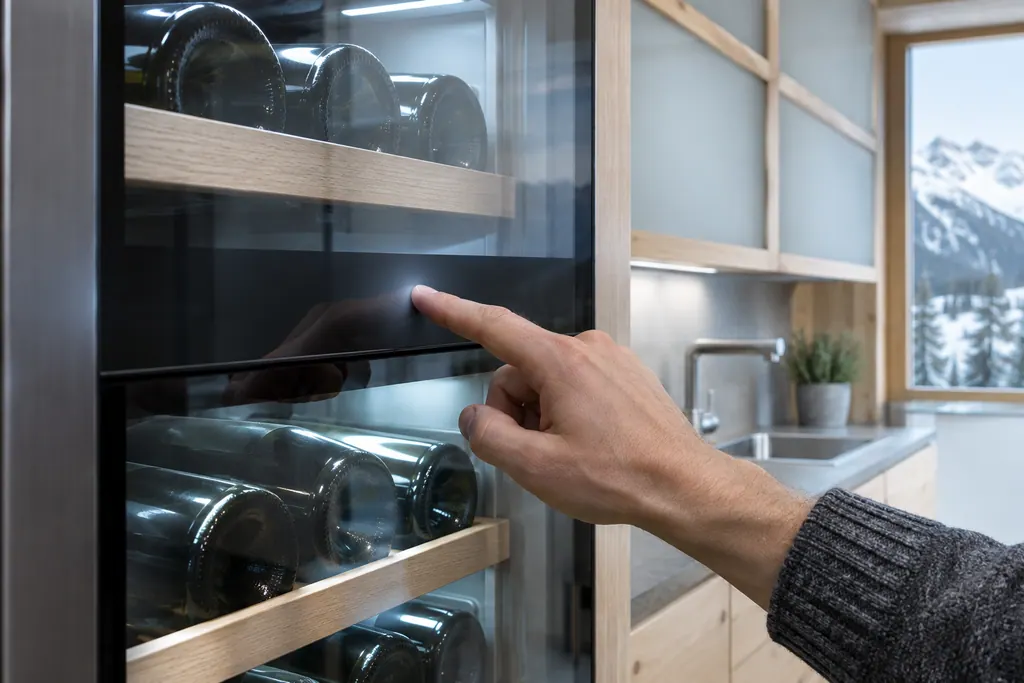
The W5250 menu is a touch strip with navigation arrows and a confirm symbol. A bar that increases at the bottom of the display shows that you are holding a button to switch a setting on, and a bar that decreases shows you are holding to switch it off. 1
What is the water box?#
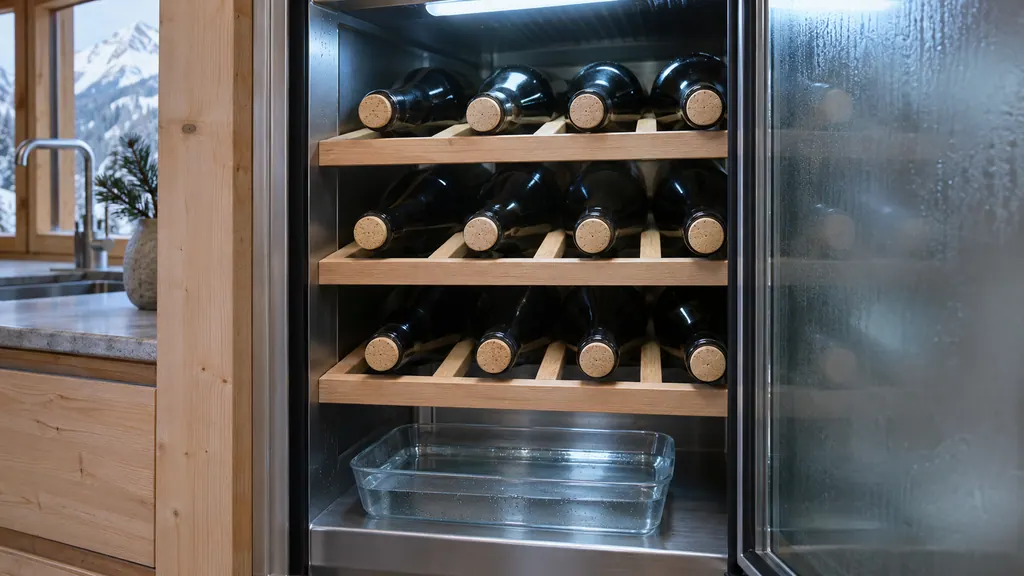
A tray that adds humidity to the cabinet on models that have one. The WPsdi 5272 manual says you can increase the humidity in the wine appliance by using the water box, which sits on the wooden grating in the bottom wine zone. 2
Fill it carefully, and only on a model that has one. Add no more than 400 ml (13.53 oz) of water above the holes in the cover, with the box horizontal. Each peg goes into its recess on the battens below the wooden grating, and you check the box is horizontal afterward. 2
The water box is a humidity aid, not a replacement for the setting. If your room air is dry, the manual's route is the high HumiditySelect setting and, on models with the box, the water box as an addition, with the energy cost that comes with high humidity. 12 Check the water level now and then, because the tray does not refill itself.
To clean it, slide the water box to the left, remove it downward, make sure it is completely empty and, holding the cover firmly, turn it slowly downward and remove the cover. 2
How do the zone temperatures work?#
You set each zone from the temperature shown on the display, in steps. The W5250 lists the cool zone as 5 °C (41 °F) to 20 °C (68 °F), and the manual points out that the temperature may differ from the displayed one in some areas of the interior. 12
The W5250 shows an upper and a lower zone on the status display, and its manual's example moves one zone from 7 °C (45 °F) to 9 °C (48 °F) and the other from 5 °C (41 °F) to 7 °C (45 °F). 1 On the WPsdi 5272 you tap the temperature of the zone you want to change, and the manual's example raises a zone from 5 °C (41 °F) to 10 °C (50 °F). 2
At the correct temperature, refrigerated items keep longer, which avoids disposing of food unnecessarily. 2 The setting itself depends on how often and how long the door is open, the room temperature, and the type, temperature and amount of items. 12
If the cabinet cannot hold a temperature, read our wine cooler not cold enough page, and the Temperature alarm page for the message.
How do I arrange bottles on the wooden shelves?#
Use the notched standard positions for the rails to store the maximum number of bottles. For larger or smaller bottles, lift the back of a rail, pull it out and insert it in the position you want. 1
The W5250 storage sketches show how many 0.75 l Bordeaux bottles each variant takes: for example 155 bottles in one arrangement and 107 in another model sketch. 1 The WPsdi 5272 prints its own sketches. 2
Keep to the weight limits: the bottle shelf is listed at 60 kg (132 lb) and a bottle rack with telescopic rails at 25 kg (55.11 lb). 1 Description labels, sold as accessories, let you note the wine types stored in each compartment. 1
What happens when I switch a new cabinet on?#
The start-up needs the cabinet set up and connected and all adhesive strips, protective films and transport locks removed. The standby symbol flashes while the start process runs; wait until it finishes. On a first start the screen language and the date and time may need to be set. 2
The cabinet is ready once the temperature appears in the display, and the temperature figure flashes until the set value is reached. 2 If a D or DEMO shows, demo mode is on and cooling is off; the W5250 manual says to deactivate it before the countdown finishes. 1 Our demo mode guide explains it.
Where may the cabinet stand?#
Indoors, in a room that matches its climate class. The W5250 manual lists the ambient limits per class, such as SN from 10 °C to 32 °C (50 °F to 90 °F) and T from 16 °C to 43 °C (61 °F to 109 °F), and says the class is printed on the rating plate. 1
The same page says the freestanding W5250 is not suitable as a built-in unit, and it bans outdoor use, use in moist areas exposed to rain, use in areas at risk of explosion, and storing medication or laboratory preparations in it. 1 Keep the ventilation openings clear and the unit out of direct sunlight and away from heating units. 12
What about dust, mold and the filter?#
Three upkeep items from the manuals. Remove dust once a year from the cooling machine and the heat exchanger grid at the back, because dust deposits increase energy consumption. 1 Change the FreshAir activated charcoal filter every 6 months. 12 Remove label adhesive residues if a little mold forms on bottles. 1
Our FreshAir filter guide has the reminder details, and the energy saving guide explains why the dust matters. The fan air vents entry shows what must stay free.
The bottles and the shelf are cleaned with a damp, lint-free cloth, never with steam, and with the plug pulled first. 1
When should I book a technician?#
If the cabinet is wet at the bottom without a water box in use, runs without reaching the set temperature, or makes fan noise that does not settle once the door has been shut for hours. Those are cooling or air-flow issues rather than humidity settings. 1
Our independent repair company is separate from Liebherr, and a unit within Liebherr's own warranty is repaired through Liebherr. For other units, book a visit through the wine storage page. The technician agrees the price with you before any work starts. The exact cost is confirmed after the on-site diagnostic.
Sources#
- User GuideLiebherr-Hausgeräte (US market edition; linked from https://www.liebherr.com/en-us/p/wpsd-5252-3033484) · PDF created 07.07.2025; file tag WPsd5252_137; cover: W5250 (freestanding wine cabinet); US product page WPsd 5252 · PDF pages 8, 9, 13, 14, 23, 24, 25
- User GuideLiebherr-Hausgeräte (US market edition; linked from https://www.liebherr.com/en-us/p/wpsdi-5272-3033484) · PDF created 07.07.2025; file tag WPsdi5272_137; US product pages WPsdi 5272, WPgbi 7483 · PDF pages 13, 14, 24, 25