Start from the symptom
Liebherr ice maker IceMaker not making ice cubes.
For a Liebherr IceMaker that is not making ice cubes, the user guide lists three causes: the IceMaker is not switched on, its drawer is not closed properly, or the water connection is not open. Fix whichever applies. If the freezer also shows Check water connection, the guide adds a cleaning step. Otherwise, book a technician.
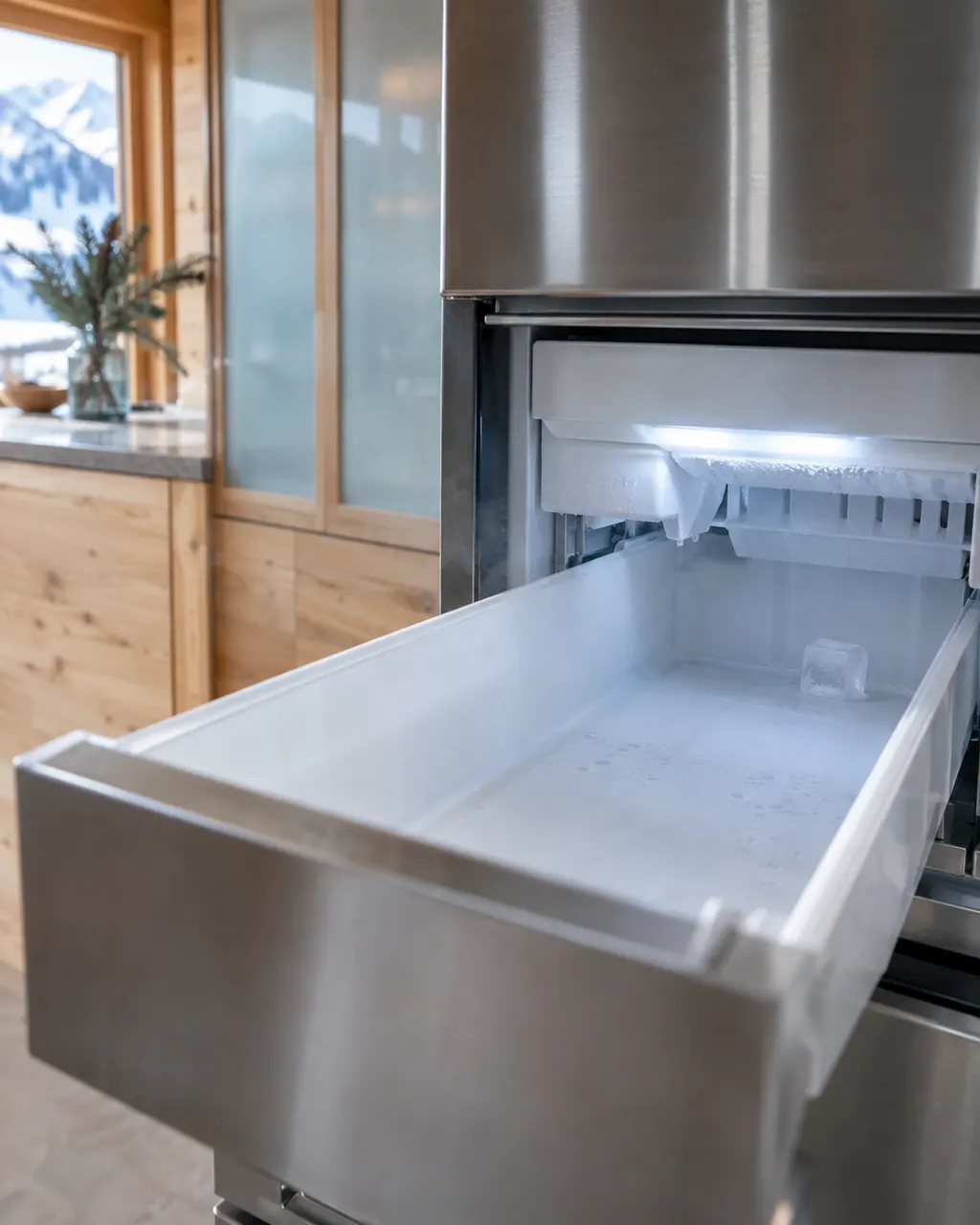
Start with safe observations.
Unplug the appliance before any check of your own. Watch for meltwater on the floor and for frost-covered shelves that can stick to skin. Never touch a wet plug, open a cover or go beyond what your model's owner manual allows.
- 1
Switch the IceMaker on
The IceMaker has its own on and off setting. The guide's remedy for the first cause is to activate the IceMaker.
- 2
Close the drawer
The IceMaker drawer must be closed properly. A drawer that is open can also bring up the Push in the IceMaker drawer reminder.
- 3
Open the water connection
The guide lists a water connection that is not open. Check the valve on the supply line.
- 4
Read the reminder
With Check water connection on the display, check the water connection or deactivate the IceMaker. If both are in order and it is activated, clean the IceMaker, then it should produce cubes again.
- 5
If it will not switch on
An IceMaker that cannot be switched on is listed with the cause that the appliance, and so the IceMaker, is not connected. The remedy is to connect the appliance (see the Installation Guide).
Systems a technician may investigate.
These cooling parts relate to the symptom, though what you noticed cannot show that any single one has broken.
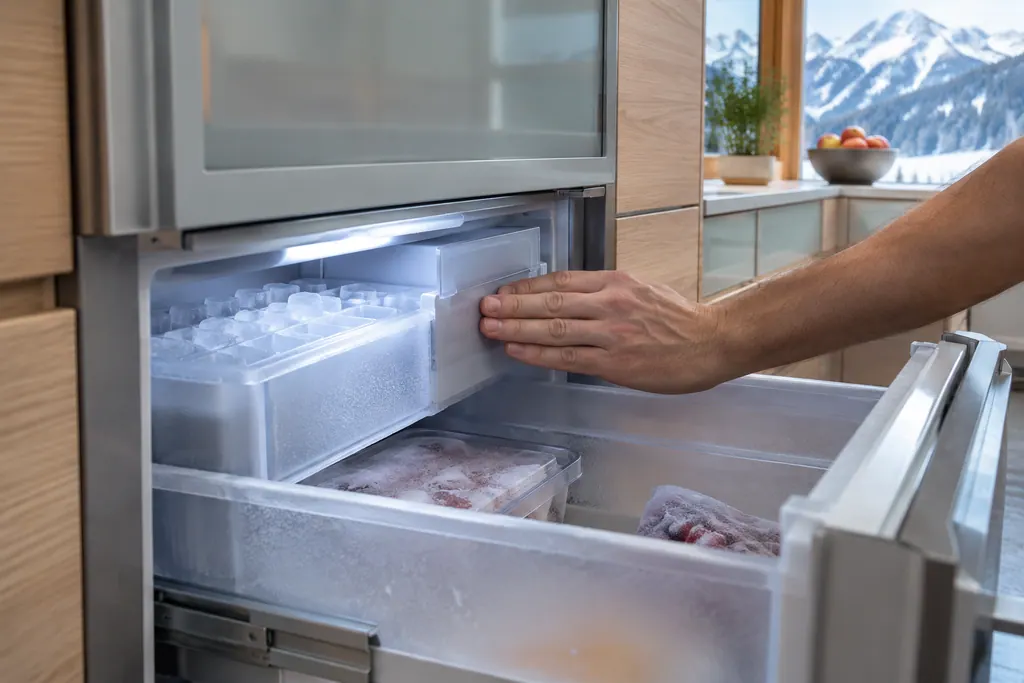
If the display adds a code.
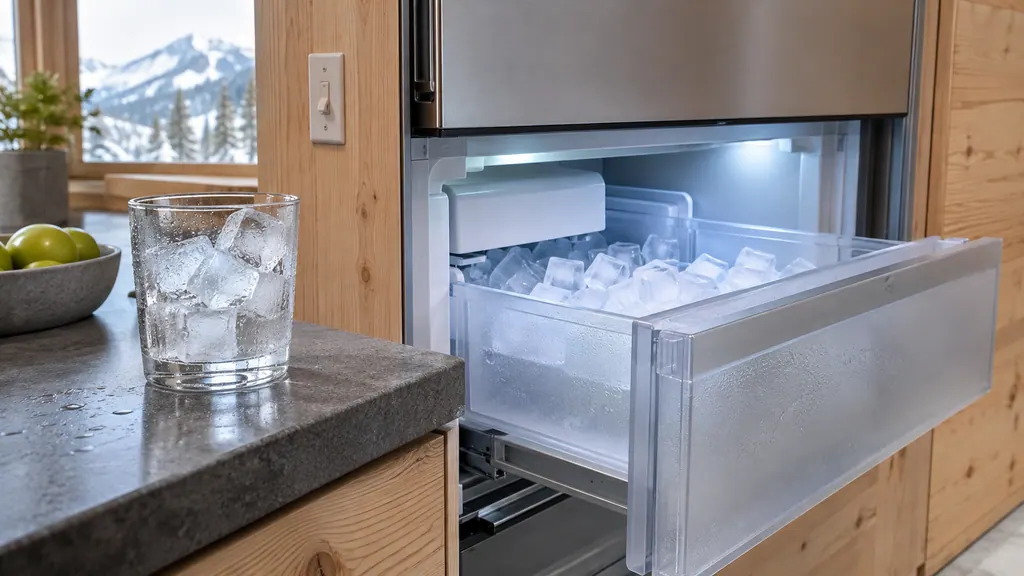
When observation becomes a service request.
Leave internal testing to a technician.
The IceMaker is on, the drawer is shut and the water valve is open, and no cubes come.
Check water connection returns after cleaning.
An IceMaker failure message appears.
Arrange a diagnosticSources and model boundaries.
These documents support the Liebherr IceMaker not making ice cubes guidance. Pick the manual that matches your model.
- User Guide
- User Guide
Keep the manual for your exact model handy. See how we research these pages.
Why does my Liebherr freezer say Check water connection?
The message means the IceMaker is active but the permanent water connection is no longer supplying it. Check the connection, or deactivate the IceMaker, as the user guide says.
What if the IceMaker will not switch on?
The SF 5291 guide gives one cause: the appliance, and so the IceMaker, is not connected. Its remedy is to connect the appliance as the Installation Guide describes.
How do I get the drawer message to go away?
Push the IceMaker drawer in until it closes properly. The reminder appears when the IceMaker is active but its drawer is open.
Do I need a plumber for the water line?
Checking that the shut-off valve is open is an owner task. If the line is open and the IceMaker still makes nothing, book a technician.
Liebherr alarms, symptoms, cooling parts, repair visits
From the message to what to do next.
Check water connection
Check water connection is a reminder on Liebherr Touch & Swipe models with a plumbed IceMaker. It means the IceMaker is active but is no longer being supplied with water. Check the connection, or deactivate the IceMaker; if the line is fine, clean the IceMaker.
Liebherr IceMaker not making ice cubes
For a Liebherr IceMaker that is not making ice cubes, the user guide lists three causes: the IceMaker is not switched on, its drawer is not closed properly, or the water connection is not open. Fix whichever applies. If the freezer also shows Check water connection, the guide adds a cleaning step. Otherwise, book a technician.
IceMaker
Liebherr's IceMaker makes ice in an interior drawer. Its guides list the checks for no ice: switch it on, close the drawer fully and open the water connection. A flashing IceMaker LED means no water supply reaches the unit.
Ice maker repair
Book a diagnostic for your exact model, carried out beside the unit.
Find your metro
Office details, plus the access notes to pass on to us.