On this page
- The door locks automatically after a power outage and the manuals say this cannot be deactivated. 12
- The manual's emergency release key unlocks the door when power fails. 1
- Ending SabbathMode locks the door automatically. 12
- A forgotten code is reset only by returning the appliance to factory settings. 12
How does the lock on a Liebherr wine cabinet work?#
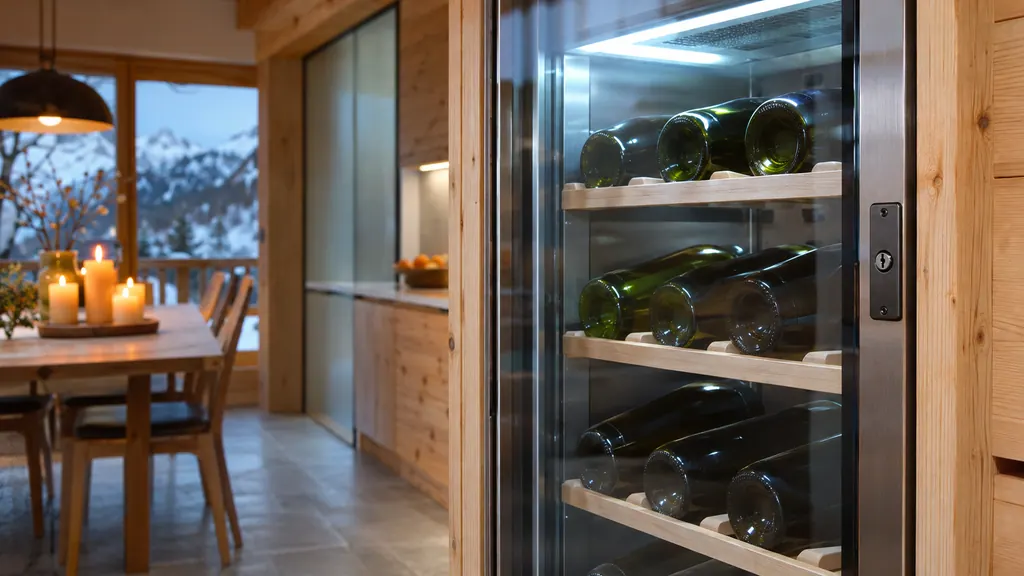
The door is fitted with an electronic lock. You lock and unlock it with the door code, and on some models with a remote control. The lock secures the cabinet against unwanted removal of items, and when you use it for the first time the door is unlocked. 12
The manuals describe the same safety lock on the W5250 and WPsdi 5272. In both, the lock locks the door automatically after a power outage, and this cannot be deactivated. 12
Our wine door lock entry shows the part. The lock does not cool or switch anything, so a locked door has no effect on the temperature.
Why won't the door open after a power cut?#
Because it locked itself. After an outage the safety lock engages on its own, and the manual says that behavior cannot be switched off. Unlock it with the door code once the power is back, or use the emergency release key if the power is not. 12
That is the first thing to check before assuming the lock has failed. A cabinet that was powered during the outage and is dark when you come back still has food and wine inside, so also look at the Power failure message. When the supply returns above the alarm limit, the W5250 shows a power failure message, and you check the quality of the chilled goods. 1 See our wine cooler Power failure page.
How do I use the emergency release key?#
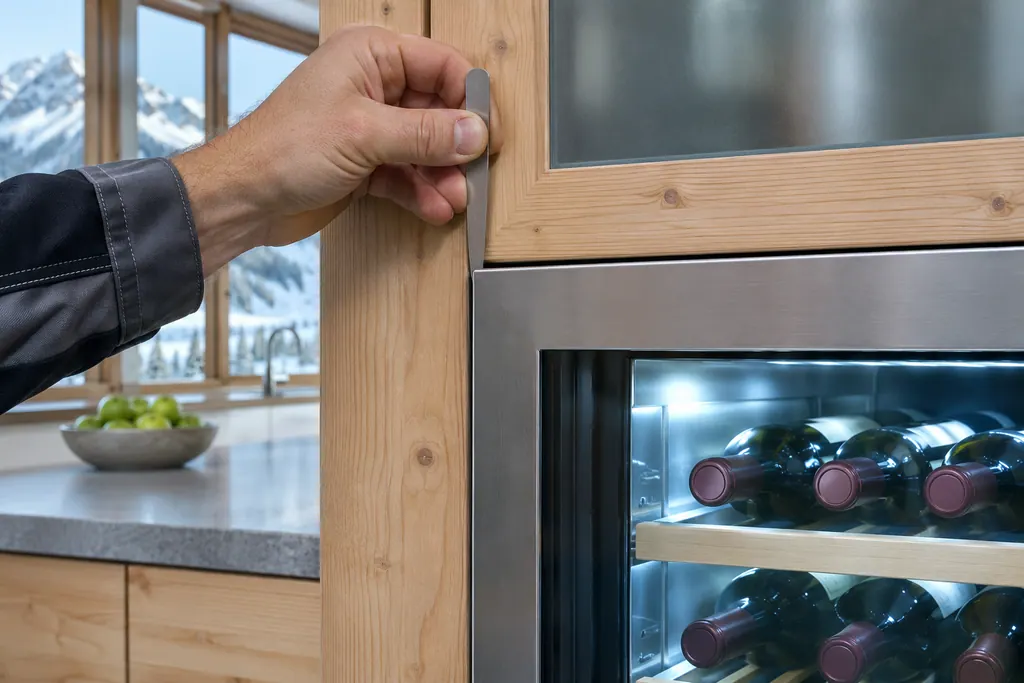
Insert the key from the top between the door and the cabinet body, at the position marked in the manual's drawing, about 100 mm (3 15/16 in), push it in until it stops, then pull it toward the hinge. The lock is released and you can open the door. 1
The W5250 manual introduces it plainly: you can open the door with the emergency release key if there is a power failure. 1
- 1
- 2
- 3
- 4
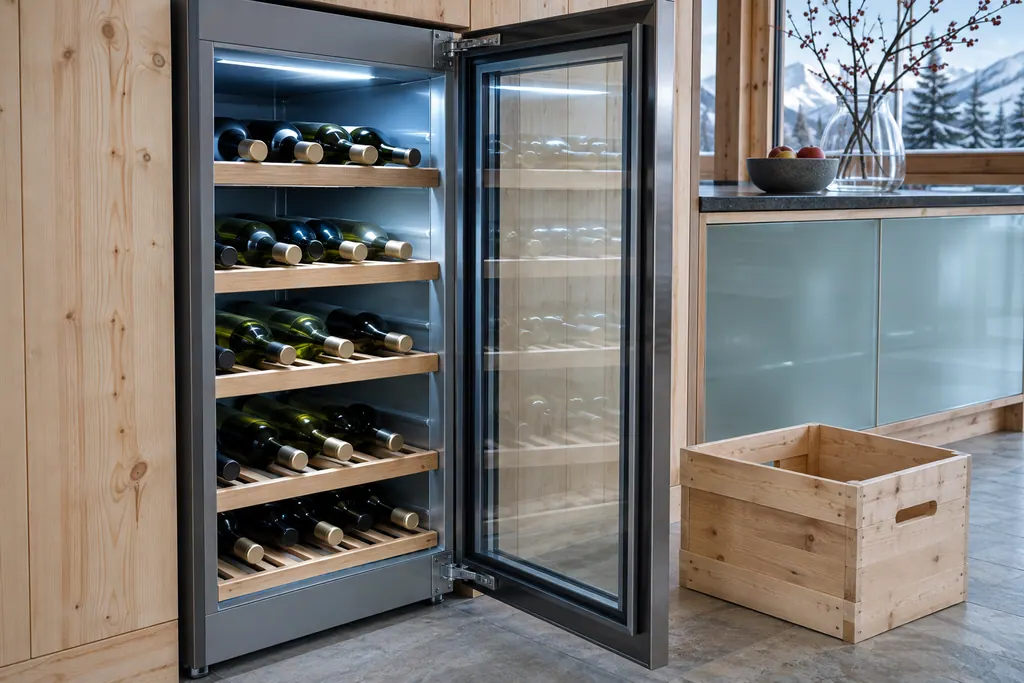
Do not force the door. If the key position is unclear for your model, the picture in your own manual is the one to follow, because the pages we read come from the W5250. Other models print their own safety lock page. 12
What code does the lock use?#
The door code. On the WPsdi 5272 the factory-set door code is 1 1 1 1, and you can change it in three steps: enter the old code, enter the new one and confirm it. On the W5250, the display PIN is set to 1 1 1 and the manual notes that the door lock can be opened and locked with the PIN at any time. 12
Change the factory code soon, because anyone with the manual can read it. The change takes three stages on both models, and the WPsdi 5272 manual shows an example changing 1 1 1 1 to 2 3 4 5. 2 Write the new code on paper and keep it away from the cabinet.
Our guide to the display lock, PIN and alarm sound covers the display side of the same codes.
What does the Manually opened message mean?#
It appears if the electronically closed door has been opened manually, for instance with the emergency key. Close the door and press the confirmation button, and the alarm ends. 1
The W5250 warning table lists it with the Door open, Temperature alarm, Power failure, Error and WLAN messages. 1 The door alarm delay is set separately; see our door alarm guide.
Does SabbathMode touch the lock?#
Yes, in one place. When you deactivate SabbathMode on the W5250 or the WPsdi 5272, the manuals state that the door locks automatically. 12
So a cabinet that you opened with the emergency key before a holiday, or unlocked with the code, will lock again when the mode ends. Our SabbathMode guide lists the other things the mode switches off.
How do I lock and unlock the door with the code?#
On the WPsdi 5272 the display shows a white border when the door is locked. You enter the door code on the keypad to lock or to unlock, and the manual shows both with the factory-set code as an example. The first time you use the cabinet, the door is unlocked and opens freely. 2
The settings menu lists five lock choices on that model: locking with a door code, unlocking with a door code, changing the door code, resetting the door code and pairing the remote control. 2 The manual keeps the door code and the display lock code apart: the door code is for the lock, the display lock code is for the screen. 2
Here is the useful rule from the W5250 manual. Even when the display lock is on, the door lock can be opened and locked at any time with the PIN code. 1 So a locked screen does not trap you out of the cabinet.
Can I use a remote control?#
On the WPsdi 5272, yes. The safety lock can also be locked and unlocked with a remote control, and pairing the remote is one of the lock settings. After you change the door code, the manual says to re-pair the remote control. 2
If the remote stops working after you changed the door code, re-pairing is the step the manual names. The W5250 pages we read mention no remote control, so check your own model. 12
Which messages relate to the lock?#
Three. Manually opened, for a door opened by hand on an electronically closed cabinet; Door open, when the door is open for too long; and Power failure, after an outage when the temperature is above the alarm limit. All three are ended by pressing the confirmation button once the cause is handled. 1
The Power failure message shows the warmest temperature when you press the button, then the current temperature, and the manual says to check the quality of the chilled goods. 1 Our wine cabinet Door open page describes the second message.
What if the lock works but the display is dark?#
A dark display with a powered cabinet may be the display switching off, not the lock failing. The W5250 manual says that after switching off, the display goes dark after about 10 minutes, and the demo mode shows a D. 1 Press a button first, then check the plug.
Check the plug and the fuse, as the troubleshooting table lists: the appliance is not switched on, the plug is not properly inserted, the fuse in the wall socket is not in order, or the IEC socket is not correctly plugged into the appliance. 1 Our door alarm guide explains the timer that sets how long the door can stay open.
What if I forget the code?#
Reset the appliance to factory settings. Both manuals give that as the only way to recover a forgotten door or display code, after which the factory code is valid again. 12
The reset returns all settings you made to their original values, so you lose your temperature, humidity and alarm choices too. 12 It also switches the cabinet off, and you start it again as for first use. Note your settings before you reset, and see our guide to the input lock and factory reset for how it behaves on other models.
When should I book a technician?#
When the door stays locked with the code and the key, when the lock re-engages without a power cut, or when the cabinet is warm and you cannot reach it. A lock is part of the door and the repair is not an owner job. 12
Our independent repair company is separate from Liebherr, and a unit within Liebherr's own warranty is repaired through Liebherr. For other units, book a visit through the wine storage page. The technician agrees the price with you before any work starts. The exact cost is confirmed after the on-site diagnostic.
Sources#
- User GuideLiebherr-Hausgeräte (US market edition; linked from https://www.liebherr.com/en-us/p/wpsd-5252-3033484) · PDF created 07.07.2025; file tag WPsd5252_137; cover: W5250 (freestanding wine cabinet); US product page WPsd 5252 · PDF pages 10, 13, 15, 16, 19, 20, 21
- User GuideLiebherr-Hausgeräte (US market edition; linked from https://www.liebherr.com/en-us/p/wpsdi-5272-3033484) · PDF created 07.07.2025; file tag WPsdi5272_137; US product pages WPsdi 5272, WPgbi 7483 · PDF pages 14, 16, 17, 18, 23