On this page
- The display lock prevents unintended changes, switching off and temperature adjustment, and is released with the display code. 12
- Alarm sound (W5250) and alarm tone (UW 3710) turn all alarm sounds, such as the door alarm, on or off. 12
- Brightness has five steps on the W5250: 20 %, 40 %, 60 %, 80 % and 100 % (default). 1
- The display code comes back to its factory value only through a factory reset. 123
What does the display lock do?#
It prevents accidental use of the cabinet. With the lock on, settings and functions cannot be changed unintentionally, the cabinet cannot be switched off by mistake, and the temperature cannot be moved by accident. 12
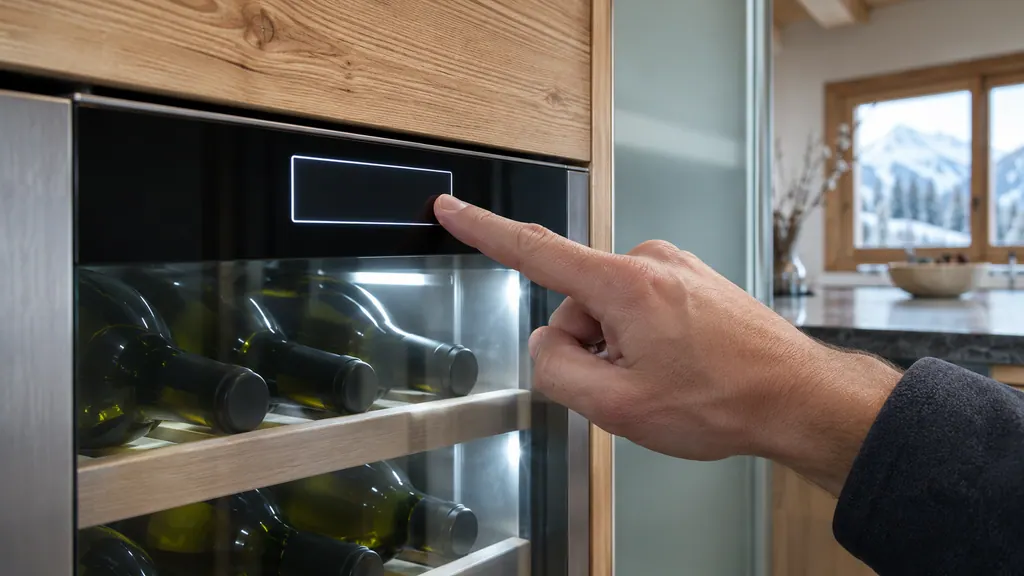
The status display shows a white border while the cabinet is locked. 1 To work with the screen briefly, you unlock it temporarily with the display code, and the lock returns afterward. The manual's pictures show a numeric keypad on some models. 2
A locked display is the first thing to rule out when a wine cabinet ignores your touches. If the screen shows its normal temperature but nothing responds, look for the border before suspecting the electronics.
On models with an electronic door lock, the lock can be opened and closed at any time with the PIN, despite the display lock being on. 1 The door lock guide covers that side.
What are the display code and PIN?#
The display code is the number you enter to unlock the screen. On the W5250 it is called the display PIN and is set to 1 1 1 when the cabinet is delivered. On the UW 3710 and WPsdi 5272 the factory code is 1 1 1 1. 123
You can change it. The manuals describe a three-step routine: enter the old code, enter the new code, confirm the new code. Their examples change 1 1 1 or 1 1 1 1 to 2 3 4 or 2 3 4 5. 123
A forgotten code has one remedy. Reset the appliance to factory settings, and the code returns to its factory value. 123 That also resets every other setting you made, which is why you should write the new code down.
- 1
- 2
- 3
- 4
What is the difference between alarm sound, alarm tone, beep and light alarm?#
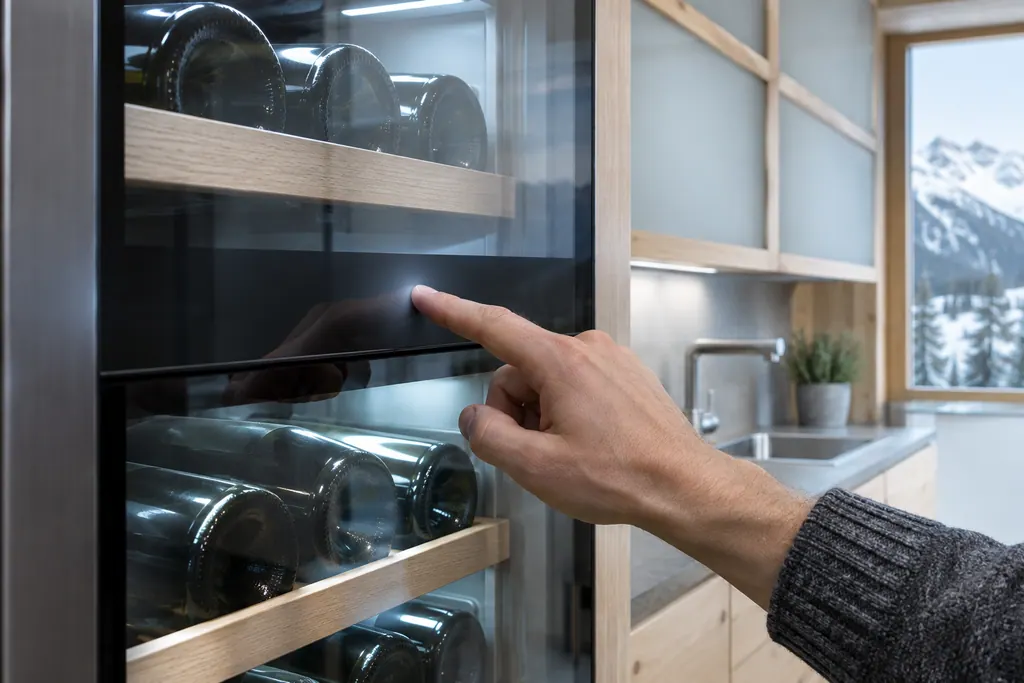
Alarm sound (W5250) or alarm tone (UW 3710) switches all alarm sounds, such as the door alarm, on or off. Beep switches the button sounds, confirmation sounds and startup sound. Light alarm adds flashing appliance lighting to visual alarms. 12
| Setting | Controls | Models in our sources |
|---|---|---|
| Alarm sound / alarm tone | All alarm sounds, such as the door alarm | W5250, UW 3710 |
| Beep | Button sounds, confirmation sounds, startup sound | UW 3710 |
| Light alarm | Flashing appliance lighting alongside the display alarm | UW 3710 |
| Door alarm delay | How long the door may stay open before the alarm | W5250 and others |
The acoustic signals on the W5250 sound when a function or value is confirmed, when it cannot be activated or deactivated, as soon as an error occurs and when an alarm message appears. The manual says the alarms can be switched on and off in the customer menu. 1
Switching alarm sound off is a choice with a cost: the manual describes the warnings as an audio signal together with a symbol on the display, and without the sound you rely on looking at the screen. 1 The delay itself is a different setting; see our door alarm guide.
How do I set display brightness and interior lighting?#
They are two separate settings. On the W5250 the display brightness goes in steps of 20 %, 40 %, 60 %, 80 % and 100 % (default), and the interior lighting intensity goes from off to 100 % in the same steps. 1
The WPsdi 5272 calls the lighting setting presentation light and gives the same list, off, 20 %, 40 %, 60 %, 80 %, 100 % (default). 3 That is handy for a cabinet in a dining room, where you may want the bottles lit softly in the evening and the display dim.
If the interior stays dark with the door open, remember that the lighting switches off automatically after about 15 minutes of an open door, and that an LED that stays dark otherwise needs service. 1 Our interior light entry describes the part.
How do the wine cabinet warnings behave?#
On the W5250, a warning arrives as a sound and a symbol on the display. The signal gets louder until you acknowledge it, and you end it with the confirmation button after dealing with the cause. 1
The table lists Door open, Temperature alarm, Power failure, Manually opened, WLAN error and WLAN WWW error, plus a general Error that shows a code to write down. 1 Each has its own cause and remedy: close the door, check the quality of the chilled goods, check the connection. 1
The reminder to replace the FreshAir activated charcoal filter appears every 6 months, and you can switch that reminder off in a menu on the WPsdi 5272. 13 Our FreshAir filter guide and the wine Temperature alarm page cover two of these in detail.
Where do I change the language and see the software version?#
Both are plain functions in the same menu. Language is a list the display offers, and the software function shows the software version, which a technician may ask for. The appliance information function shows the model name, index, serial number and service number. 13
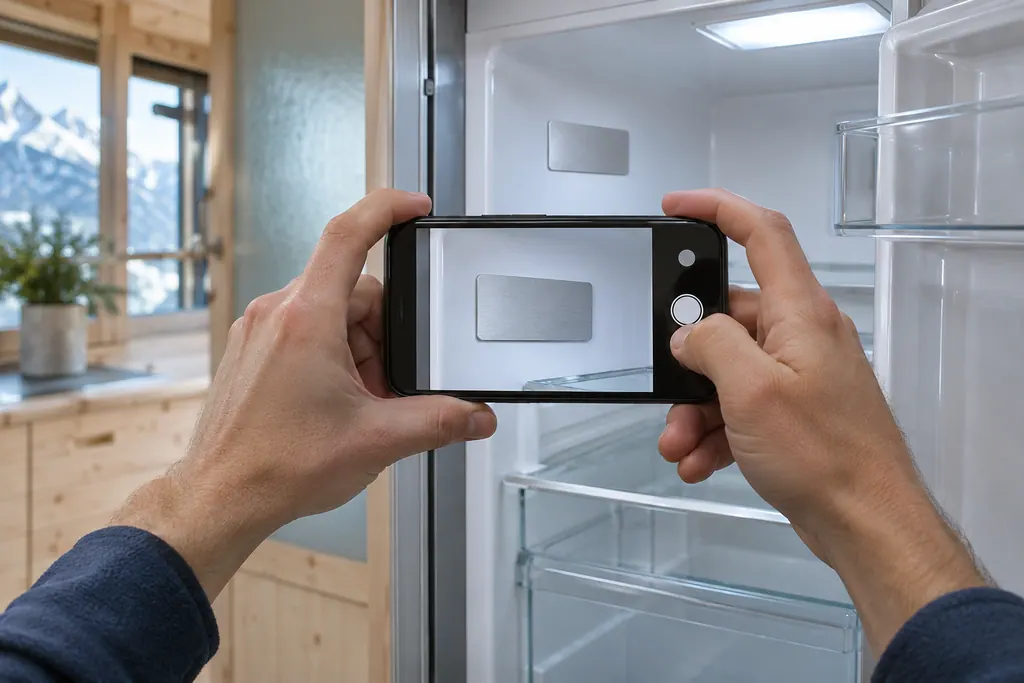
Write those four items down. The W5250 manual says you need them when you contact service, and the rating plate carries them too, at the lower left of the inside. 1 Our guide to the model plate shows where.
Can I switch the display from Celsius to Fahrenheit?#
Yes. The W5250 has a temperature unit function that sets degrees Celsius or degrees Fahrenheit, and the display then shows the temperature in that unit. The manual's example switches the unit with a few touches shown as a picture. 1
The temperature itself is set in the function above it. On the W5250 the cool zone runs from 5 °C (41 °F) to 20 °C (68 °F), and the temperature depends on how often and for how long the door is open, the room temperature and the amount of bottles. 1 After changing the unit, recheck the number so you do not mistake 12 °C for 12 °F. Our wine cooler not cold enough page lists the owner checks if the reading seems wrong.
What happens to these settings after a reset?#
They return to their original values. The reset function resets all settings you made so far and switches the appliance off, and then you start it again as for first use. 123
Demo mode also triggers the same reset: if you activate demo mode and then deactivate it, the appliance is reset to factory defaults. A D in the status display means demo mode is on, and all refrigeration is off. 1 See our demo mode guide before you panic about a bright display and a warm cabinet.
For a bigger picture of the same functions on freezers and refrigerators, our input lock and factory reset guide goes through them.
When should I book a technician?#
If the screen stays locked with the right code, if buttons do nothing in either state, or if the cabinet shows Error after a reset. A display that does not respond is a control issue, not a setting. 1
Our independent repair company is separate from Liebherr, and a unit within Liebherr's own warranty is repaired through Liebherr. For other units, book a visit through the wine storage page with the model name from the appliance information screen. The technician agrees the price with you before any work starts. The exact cost is confirmed after the on-site diagnostic.
Sources#
- User GuideLiebherr-Hausgeräte (US market edition; linked from https://www.liebherr.com/en-us/p/wpsd-5252-3033484) · PDF created 07.07.2025; file tag WPsd5252_137; cover: W5250 (freestanding wine cabinet); US product page WPsd 5252 · PDF pages 10, 14, 15, 16, 17, 18, 19
- User GuideLiebherr-Hausgeräte (US market edition; linked from https://www.liebherr.com/en-us/p/uwpri-3762-3033487) · PDF created 04.09.2026; file tag UWpri3762_137; cover: UW 3710 (wine cabinet); US product pages UWpri 3761, UWpri 3762 · PDF pages 15, 16, 17
- User GuideLiebherr-Hausgeräte (US market edition; linked from https://www.liebherr.com/en-us/p/wpsdi-5272-3033484) · PDF created 07.07.2025; file tag WPsdi5272_137; US product pages WPsdi 5272, WPgbi 7483 · PDF pages 14, 17, 18, 19