On this page
- The display dims to sleep mode after 1 minute without a touch; one touch wakes it. 12
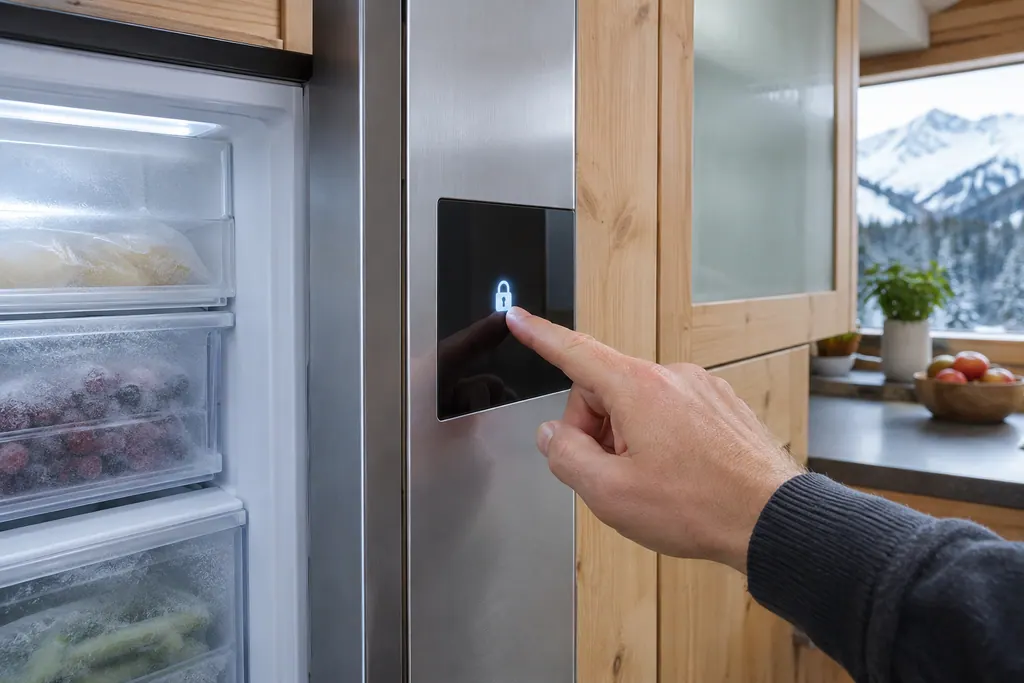
- The input lock blocks changing functions, switching off and altering the temperature, but menus still open. 12
- Brightness comes in 40 %, 60 %, 80 % and 100 % (the default). 12
- A reset to factory settings returns all of your settings to their original values and switches the appliance off. 12
Why does the display of my Liebherr go dark?#
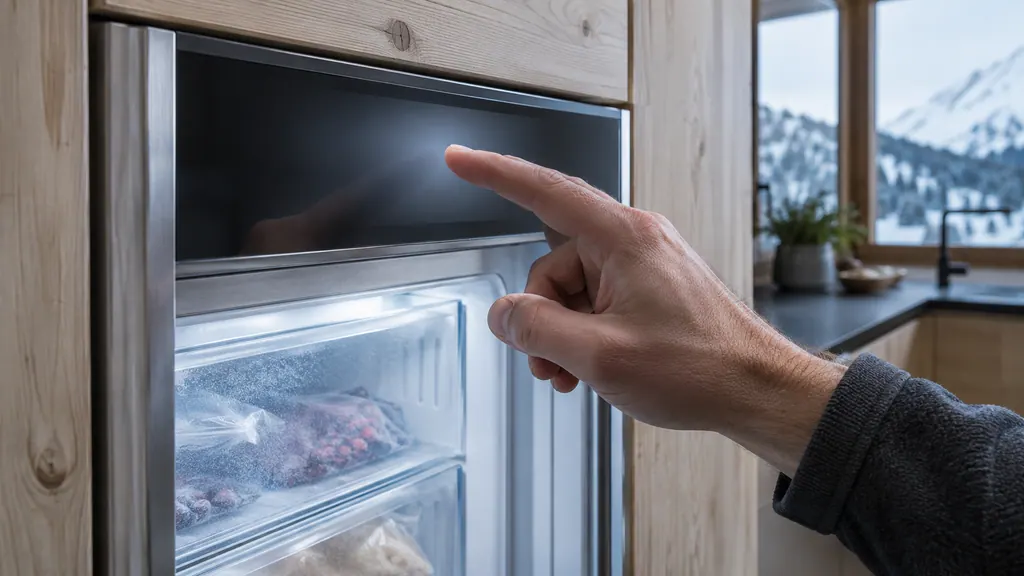
Most often it is sleep mode. When you do not touch the display for 1 minute, it dims, and a brief touch with your finger brings it back. A fully black screen with a standby symbol means someone switched the appliance off from the menu. 12
The two states look alike from across the kitchen, so test them in order. Touch the screen once. If the status display with the temperature appears, it was sleeping. If a standby symbol appears, the appliance is off, and you wake it with another touch before switching it on again. 12
Switching on and off is one function: it switches the entire appliance on and off, and settings you made before stay stored. The SF 5291 and URh 375i both say to complete the decommissioning list before switching off for a longer time. 12 See our guide to taking a Liebherr out of service.
If a flashing number sits on the screen after switching on, that is normal: the temperature flashes until the set value is reached. A flashing symbol means a setting is being made. 12
If the screen says DEMO, the appliance is in demo mode, a dealer feature that deactivates all refrigeration. On first start you have 5 minutes to deactivate it. See our demo mode guide. 12
What does the input lock do?#
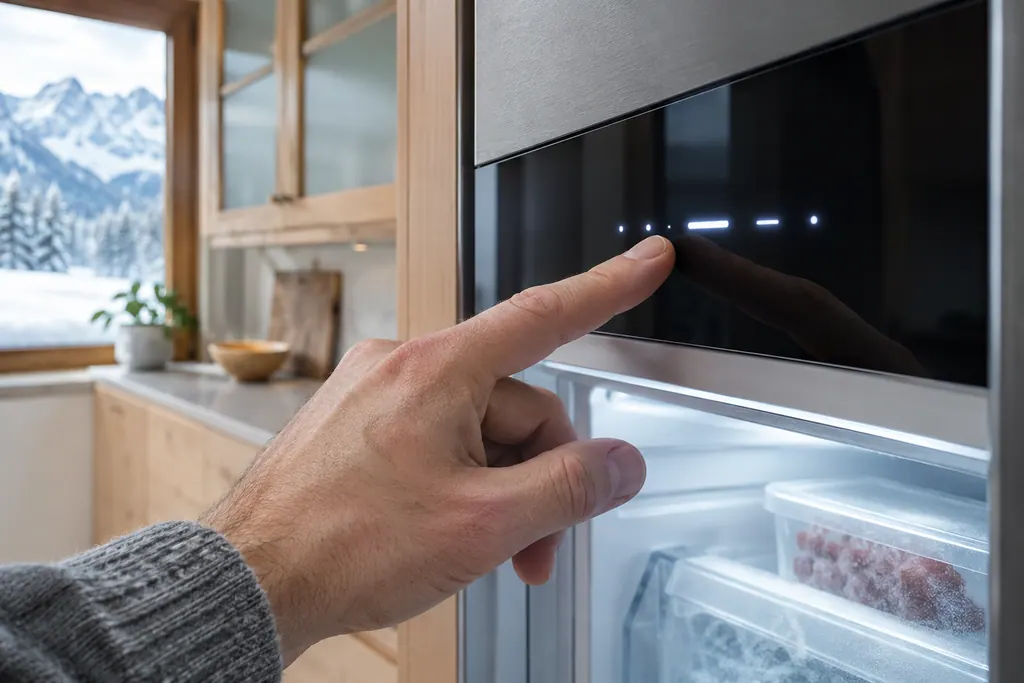
It prevents accidental operation, for example by children. With the lock on, you can still move through the menus, but you cannot select or change other functions. Liebherr lists three uses: preventing unintended changes of functions, switching off of the appliance, and unintended temperature setting. 12
That wording explains a common puzzle. A touchscreen that opens menus but refuses every change has not failed; it has been locked. The deactivation sits in the same menu as the activation, and the manuals show both as pictures. 12
- 1
- 2
- 3
- 4
Test it#
Try to change the temperature. If the lock is on, the value will not change.
The wine cabinet W5250 calls the same idea a display lock and protects it with a PIN. That model is covered in our wine cabinet display lock guide.
How do I change the brightness, language and units?#
Each is a function in the settings menu. Display brightness gives four steps, 40 %, 60 %, 80 % and 100 %, with 100 % as the default. Language offers twelve choices, and the temperature unit is either degrees Celsius or degrees Fahrenheit. 12
Setting the temperature unit matters for a US home, because some appliances arrive set to Celsius. The manuals say you can set either, and the change is made from the temperature unit function. 12 After changing, the readings you noted earlier will look different but mean the same.
| Setting | Choices |
|---|---|
| Display brightness | 40 %, 60 %, 80 %, 100 % (default) |
| Temperature unit | Degrees Celsius or degrees Fahrenheit |
| Language | German, English, French, Spanish, Italian, Dutch, Czech, Polish, Portuguese, Bulgarian, Russian, Chinese |
| Door alarm | 1, 2 or 3 minutes, or off |
The door alarm is covered separately in our guide to door alarm delay.
How does the Touch & Swipe menu work?#
Tap to select, hold for about 3 seconds to switch a value on or off, and swipe left or right to move through a menu. If you do nothing for 10 seconds, the display falls back one menu level or straight to the status display. 1
Three shortcuts help when you are lost in a menu. Touch the Back symbol briefly to go up one level, hold the Back symbol for 3 seconds to jump to the status display, or open the door and close it again, which also takes you straight back to the status display. 1
The functions are spread over three menus. The main menu opens when you switch the appliance on and holds the most important functions. The Settings menu has extra functions for setting up the appliance. The Advanced menu holds special functions, and the SF 5291 manual protects access to it with a numerical code that it prints on the page. 1
That is also why the input lock, the brightness and the unit are easy to find, while demo mode and the factory reset sit in places you reach on purpose. The URh 375i manual describes its menus the same way. 2
Where do I find the model name and the service number?#
In the appliance information function. It shows the model name, index, serial number and service number, and the manual says to have them ready when you contact service. The same function opens the expanded menu. 12
The data is also on the rating plate, which is behind the drawers on the inside of the SF 5291 and on the bottom inside the URh 375i. 12 Photograph either one. Our guide to the model plate shows where to look on each type of Liebherr.
The same area has a software function that shows the software version of your appliance. It is a read-only display, which is useful if a technician asks. 12
What does a reset to factory settings do?#
It resets all settings you have made to their original values. The SF 5291 and URh 375i switch the appliance off afterwards, and you restart it as for first use. 12
Because it erases your own choices, a reset is a last step after simpler ones fail, not a first one. Think of what you will lose: the temperature, the unit, the door alarm delay, the brightness and any active functions all go back to the original state. 12
Two other things also reset the appliance. Activating demo mode and then deactivating it resets to factory defaults, which is why the demo mode page of the manual points to this function. 12 And the WiFi disconnect function resets the WiFi connection and other WiFi settings to the original state, without touching the rest. 12
How should I prepare for a reset?#
Write down the settings you care about first: the temperature, the unit, the door alarm delay and the brightness. After the reset the appliance is off, and you switch it on as for first use, with the display showing the status screen and cooling to the original temperature. 12
Watch the first minutes after the restart. If DEMO appears in the status display, the appliance started in demo mode, and the manual says you can deactivate it within the next 5 minutes. 12 Then enter your settings again one by one, and reconnect the WiFi if you use the SmartDevice app. 1
What do the reminders and the Error message do?#
On the URh 375i, the reminder function can be switched on or off, and the FreshAir filter reminder depends on it. An Error message is different: touch the display to see the error code, note it, and contact service. 2
Our FreshAir filter guide covers the reminder. The Error page explains why Liebherr publishes no list of meanings behind the number.
Which of these problems need a visit?#
Call one if the display stays black on a powered appliance, if an Error code returns after a reset, or if the appliance falls back into DEMO each time you switch it on. These are controller questions, not settings. 12
Our independent repair company is separate from Liebherr, and a unit within Liebherr's own warranty is repaired through Liebherr. For other units, book a visit and bring the model name, index and service number from the appliance information screen. The technician agrees the price with you before any work starts. The exact cost is confirmed after the on-site diagnostic. See the freezer repair page.
Sources#
- User GuideLiebherr-Hausgeräte (US market edition; linked from https://www.liebherr.com/en-us/p/sfnsth-529i-3033451) · PDF created 10.11.2025; file tag SFNsth529i_237; cover: SF 5291; US product page SFNsth 529i · PDF pages 7, 8, 11, 13, 18, 19, 20, 21
- User GuideLiebherr-Hausgeräte (US market edition; linked from https://www.liebherr.com/en-us/p/urh-375i-3033413) · PDF created 07.09.2026; file tag URh375i_137; US product pages URh 365i, URh 375i · PDF pages 8, 10, 11, 15, 16, 17, 18, 19