What it means
WLAN error on a Liebherr Touch & Swipe refrigerator means the appliance could not be connected to your WLAN. Connect the appliance to the WLAN again. The message concerns the network link only.
Liebherr refrigerator WLAN error / Control board and communication
WLAN error on a Liebherr Touch & Swipe refrigerator means the appliance could not be connected to your WLAN. Connect the appliance to the WLAN again. The message concerns the network link only.
Also shown as WLAN error
WLAN error on a Liebherr Touch & Swipe refrigerator means the appliance could not be connected to your WLAN. Connect the appliance to the WLAN again. The message concerns the network link only.
Cooling is unaffected.
WLAN error returns after you reconnect.
Your Liebherr steps, stored on this device alone
Confirm the WLAN at home is working and in range of the refrigerator.
Follow the guide's steps to connect the appliance to the WLAN again.
If it keeps appearing after reconnecting, write down when and book a visit.
Give us the model number and what you have already tried, then start your request below.
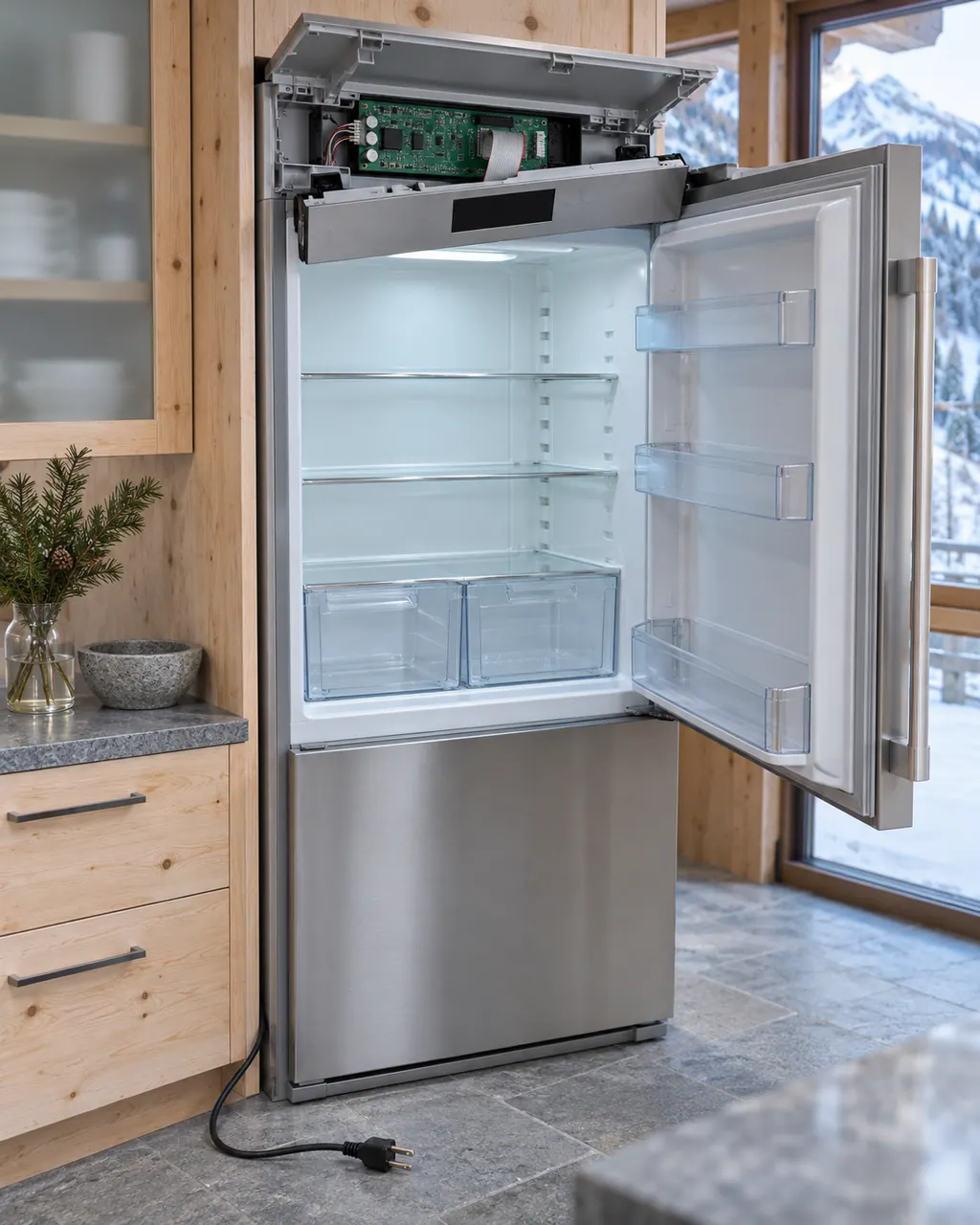
Book a visitA simplified drawing of a cooling unit; the inside differs between built-in, freestanding and column models. Tap any outlined part to open its photo and the check that belongs to it.
Component reference
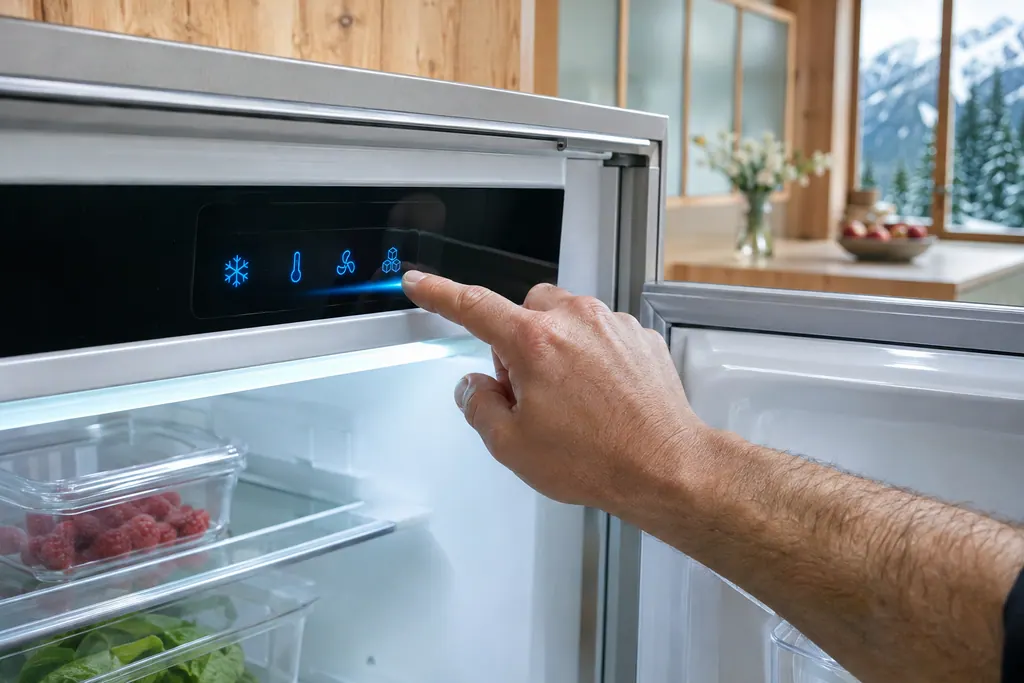
Liebherr Touch & Swipe models are run from a touch display.
Read the definitionWLAN error appears if the appliance could not be connected to WLAN. The remedy printed is to connect it again.
Read the supporting manualBegin with the first check: confirm the WLAN at home is working and in range of the refrigerator.
Read the supporting manualCooling is unaffected. No food action is needed.
Read the supporting manualWLAN error is not Connection failure, which belongs to Monolith units.
Read the supporting manualManufacturer document
Liebherr-Hausgeräte (US market edition; linked from https://www.liebherr.com/en-us/p/urh-375i-3033413)
Models: URh 365i, URh 375i
PDF creation date Mon Sep 7 12:00:27 2026 EEST; file tag URh375i_137; US product pages URh 365i, URh 375i / PDF p. 19
Applies to Liebherr Touch & Swipe refrigerators (URh 365i / 375i). Source: User Guide, checked November 2026.
WLAN error appears if the appliance could not be connected to WLAN. The remedy printed is to connect it again.
Confirm the WLAN at home is working and in range of the refrigerator.
Any of these: WLAN error returns after you reconnect.
Applies to Liebherr Touch & Swipe refrigerators (URh 365i / 375i).
No.
Write down when and book a visit.
Liebherr alarms, symptoms, cooling parts, repair visits
Error on a Liebherr Touch & Swipe refrigerator means an appliance module reports an error. Touch the display to read the code and write it down. The guides print no code values, so book a technician with us and give the code.
If a Liebherr refrigerator is not cold enough, the user guides list the same few causes: the door is not closed properly, the room is too warm, the door has been opened too often or too long, the temperature is set too warm, a heat source is close, or too much fresh food went in. Check those first. If it stays warm, book a technician.
Liebherr Touch & Swipe models are run from a touch display. You tap to confirm, hold for about 3 seconds to switch a function, and swipe to move through menus. After 1 minute untouched it dims to sleep mode, and after 10 seconds it steps back a menu. A warning on it is read by touching the display.
Book a diagnostic for your exact model, carried out beside the unit.
Office details, plus the access notes to pass on to us.