Inside the appliance
Touch & Swipe display. In plain English.
Liebherr Touch & Swipe models are run from a touch display. You tap to confirm, hold for about 3 seconds to switch a function, and swipe to move through menus. After 1 minute untouched it dims to sleep mode, and after 10 seconds it steps back a menu. A warning on it is read by touching the display.
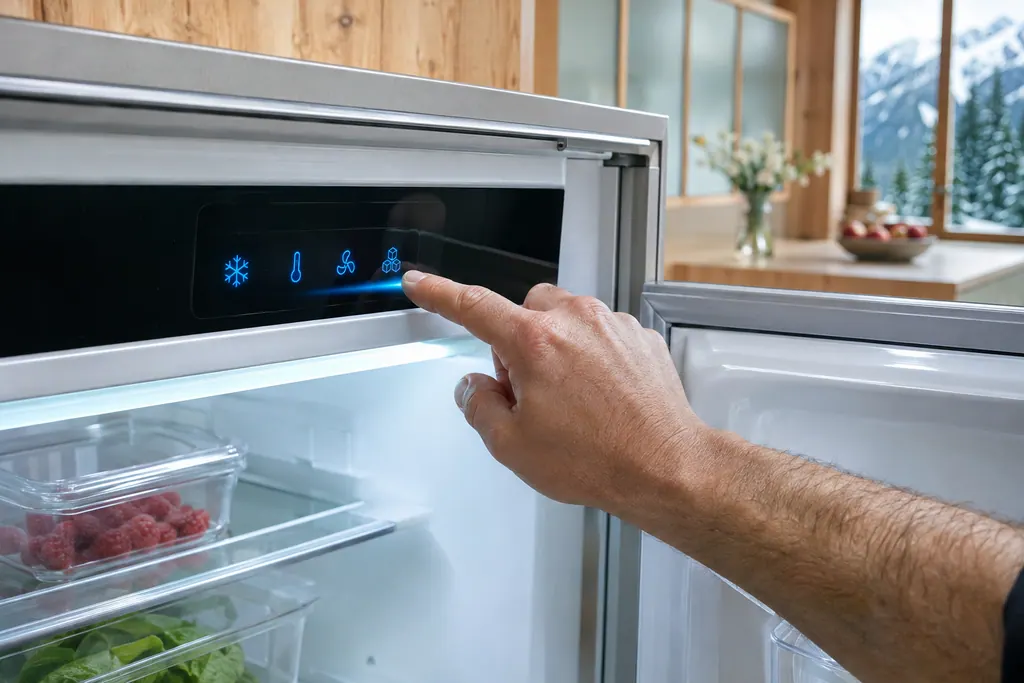
Where it fits.
Touch & Swipe display in the appliance
The guides show a different display position for each model, so none is stated here.
The image shows a typical example of this part. It does not say which replacement fits your model.
What changes when the cooling system needs attention.
Touch & Swipe display problems can show up as warmer shelves or an alarm that keeps returning. The part is tested before anyone decides it is the cause.
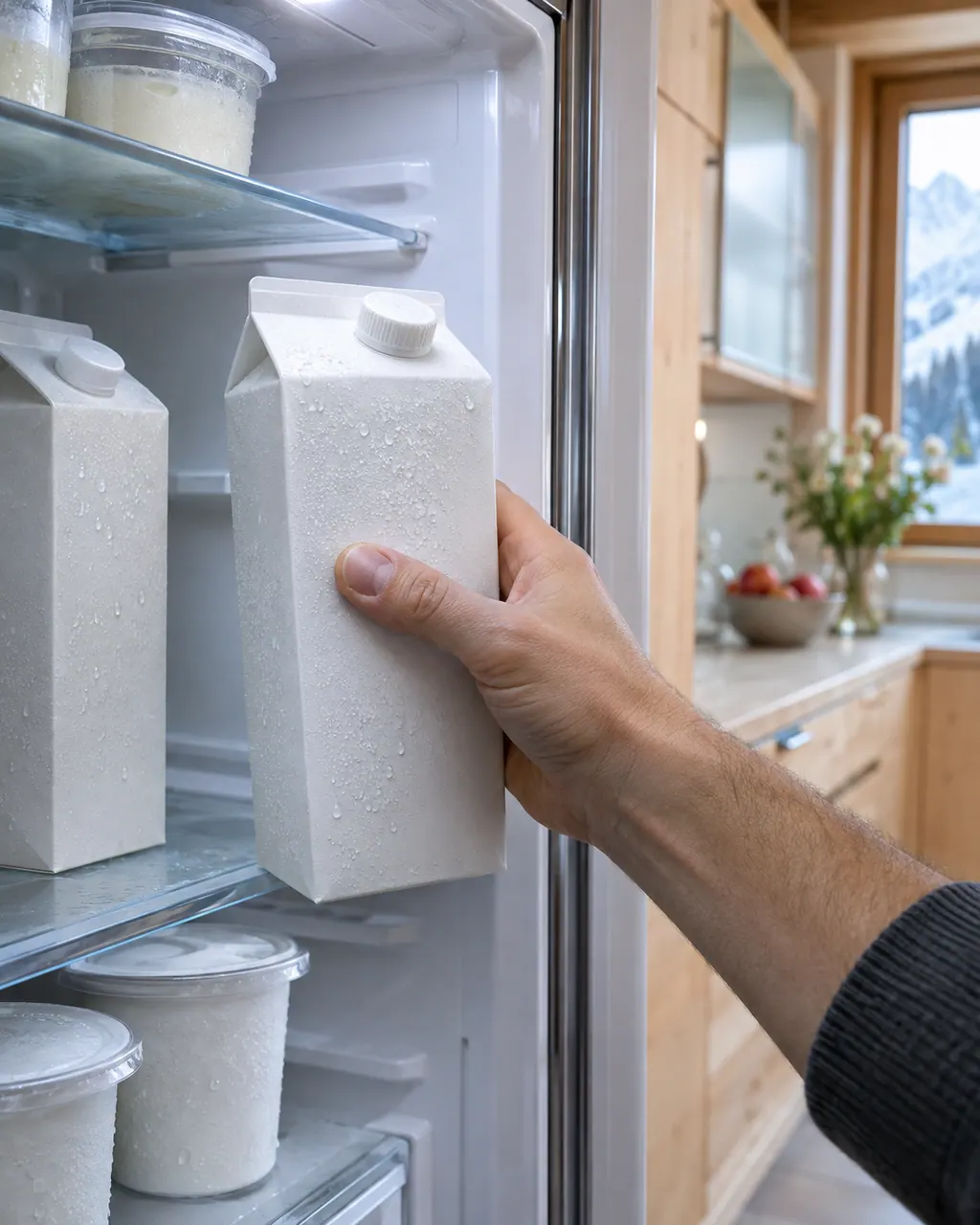
Liebherr refrigerator not cold enough
If a Liebherr refrigerator is not cold enough, the user guides list the same few causes: the door is not closed properly, the room is too warm, the door has been opened too often or too long, the temperature is set too warm, a heat source is close, or too much fresh food went in. Check those first. If it stays warm, book a technician.
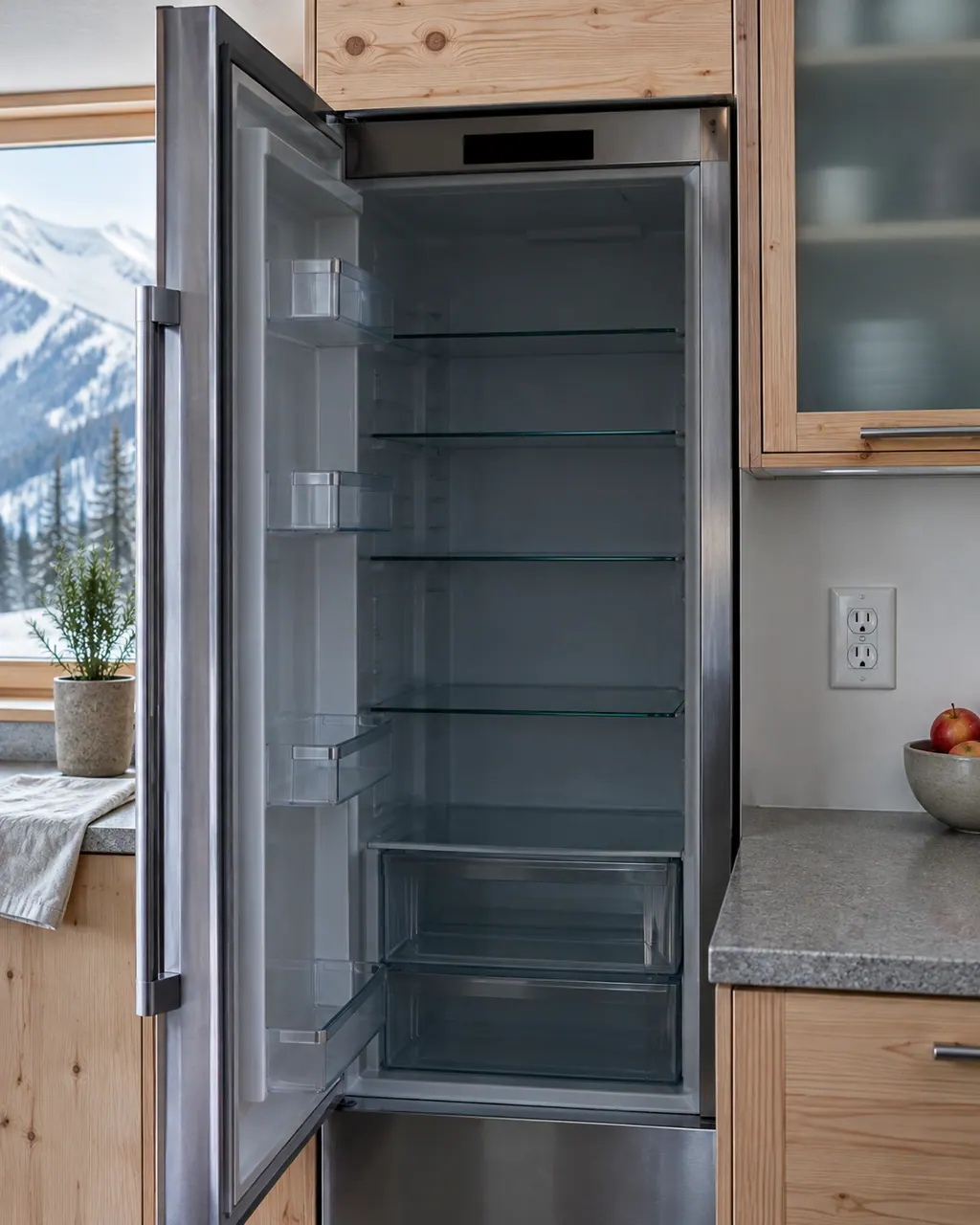
Liebherr refrigerator does not work, display is off
When a Liebherr refrigerator does not work or its display is off, the guides list a short set of checks: whether the appliance is turned on, whether the power cord is properly inserted, whether the circuit breaker or fuse is in order, and on Touch & Swipe models whether the IEC socket is plugged in. If those pass, book a technician.
Owner care, within the model instructions.
Unplug the appliance before any check of your own. Watch for meltwater on the floor and for frost-covered shelves that can stick to skin. Never touch a wet plug, open a cover or go beyond what your model's owner manual allows.
- 1
Wake the display first
After 1 minute without a touch the display dims into sleep mode. Touch it briefly with a finger to wake it before you decide the controls are dead.
- 2
Use the right touch
A short touch confirms or opens a submenu. A hold of about 3 seconds switches a function or value. Swiping left or right moves through the menu.
- 3
Go back to the status screen
Press and hold the Back symbol for 3 seconds to jump to the status display. With no touch for 10 seconds it steps back by itself.
- 4
Read warnings by touching
For an Error message, touch the display briefly to see the code, note every code shown, then touch again to return to the status display.
- 5
Mind the display modes
DemoMode, SabbathMode and CleaningMode change what the display and alarms do, so check the status display before assuming a failure.
Cleaning or replacement?
Leave internal testing to a technician.
Book a technician when the display shows an Error code and the appliance is not cooling normally.
Book a visit when the display stays dark after a touch and the appliance has power.
Arrange a diagnosticSee the neighboring components.
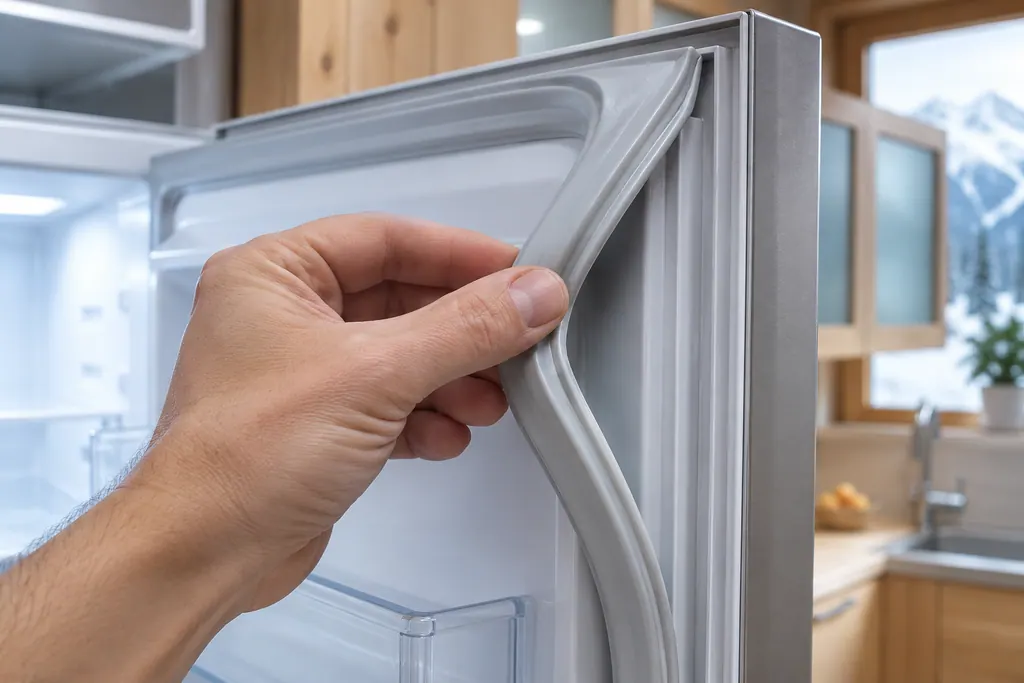
Door seal
Liebherr's troubleshooting tables call the door seal interchangeable, replaceable without special tools. A seal that has slipped out of its groove is listed as a cause of ice or condensation. If it is damaged, book a technician.
Fan and air vents
Liebherr's manuals tell owners to keep the air vents on the fan free and never block its air slits. A whirring or murmuring sound is listed as normal operation. A wine cooler fan may also run while its compressor is idle.
Sources and model boundaries.
These documents support the Touch & Swipe display guidance. Pick the manual that matches your model.
- User Guide
- User Guide; cover: UW 3710 (wine cabinet)
- User Guide; cover: SF 5291
Keep the manual for your exact model handy. See how we research these pages.
Why is my Liebherr display blank?
The guides say it dims into sleep mode after 1 minute without a touch. Touch it briefly with your finger to wake it before assuming something is wrong.
How do I get back to the main screen?
Press and hold the Back symbol for 3 seconds to jump to the status display. If you do nothing for 10 seconds, it steps back a menu by itself.
How do I read an Error code?
Touch the display briefly and the code appears, plus a further code if there is one. Note every code, then touch again to return to the status display.
What if I open the door while in a menu?
The guide says that opening the door and closing it again right away sends the display straight back to the status display.
Liebherr alarms, symptoms, cooling parts, repair visits
From the message to what to do next.
Error
Error on a Liebherr Touch & Swipe refrigerator means an appliance module reports an error. Touch the display to read the code and write it down. The guides print no code values, so book a technician with us and give the code.
Liebherr refrigerator not cold enough
If a Liebherr refrigerator is not cold enough, the user guides list the same few causes: the door is not closed properly, the room is too warm, the door has been opened too often or too long, the temperature is set too warm, a heat source is close, or too much fresh food went in. Check those first. If it stays warm, book a technician.
Refrigerator repair
Book a diagnostic for your exact model, carried out beside the unit.
Find your metro
Office details, plus the access notes to pass on to us.