On this page
- Order matters: empty, deactivate the IceMaker, switch off, unplug, catch water, clean, leave the door open. 1
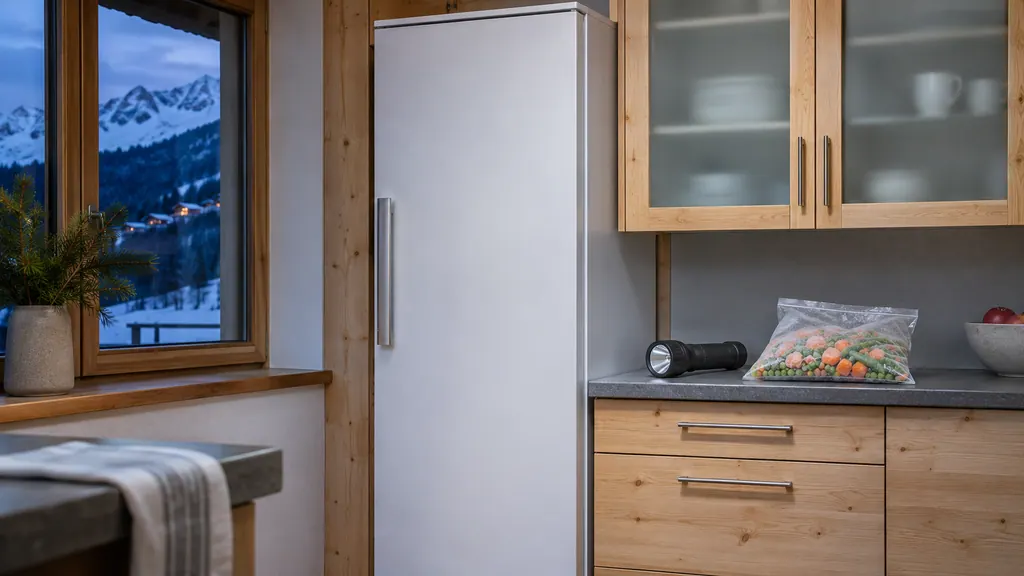
- A NoFrost freezer may drip water when decommissioned, so lay a towel in front of it. 1
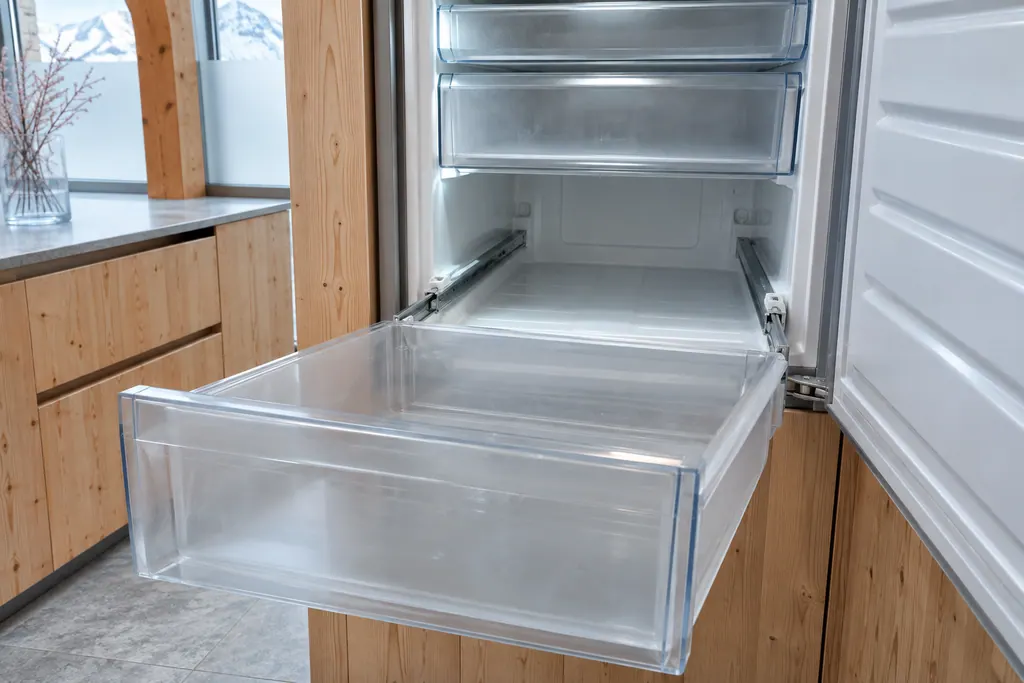
- Before disposal remove the doors and leave the shelves in place so children cannot climb in. 124
- The refrigerant is environmentally friendly but flammable; do not damage the pipelines or the compressor. 1
What is the right order for taking a Liebherr out of service?#
Empty it, switch it off from the display, pull the plug, catch any water, clean it and leave the door open. The SF 5291, URh 375i and W5250 manuals all print this list under Decommissioning; the freezer adds an IceMaker step. 123
Work through it in order, because each step makes the next one safer.
- 1
- 2
- 3
- 4
- 5
- 6
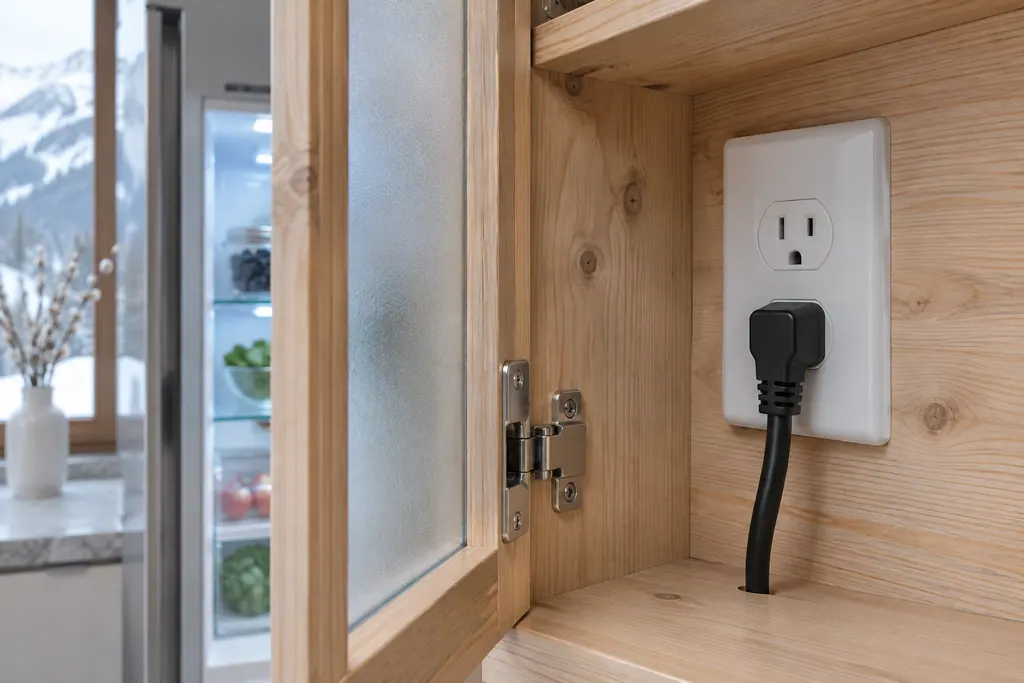
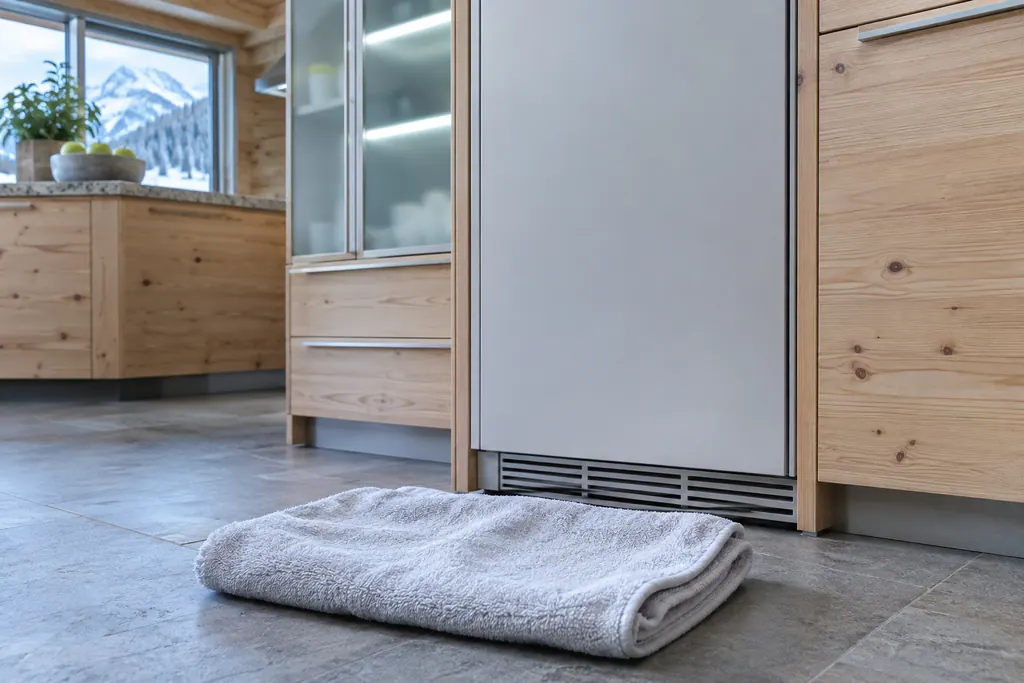
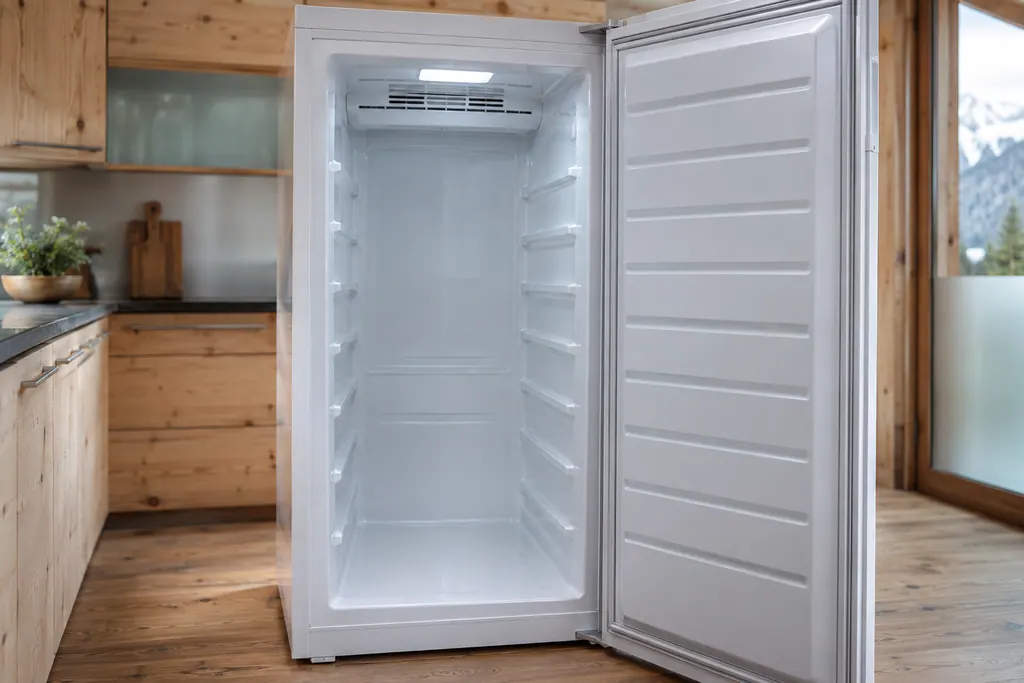
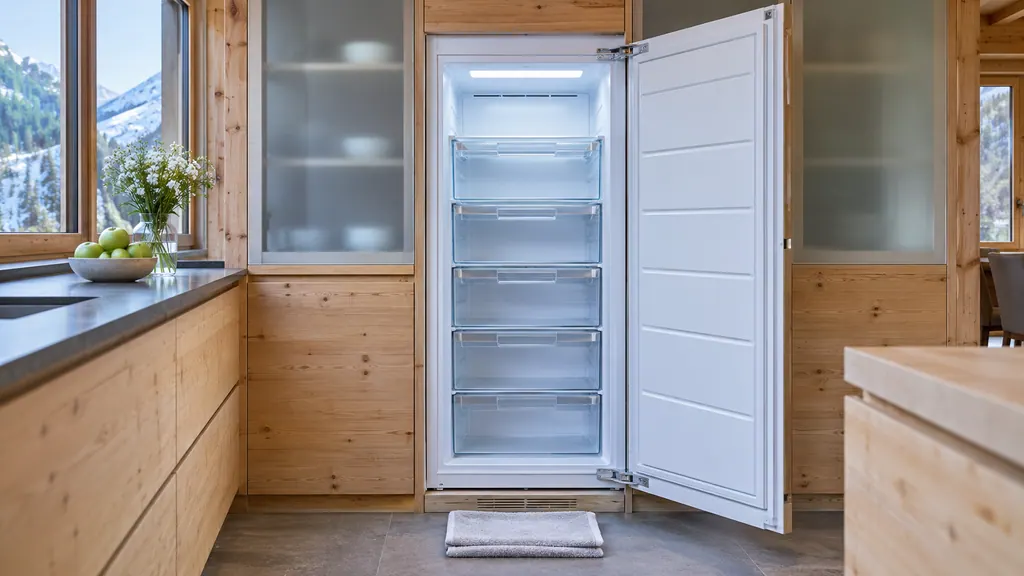
The towel step is printed only in the SF 5291 list. The URh 375i and W5250 lists go from the plug and IEC socket straight to cleaning and the open door. 123 On any appliance that has been running cold, a towel is cheap insurance, because water from a thawing interior has to go somewhere.
What do I do about the IceMaker?#
On an SF 5291, deactivate the IceMaker and MaxIce first. On a Monolith freezer, the manual adds steps for a long absence or decommissioning: switch off the water supply, wait 24 hours or until the water alarm appears, then disable the ice maker. 14
Doing the water first protects the line. A closed tap means the unit cannot refill while you are away. Our IceMaker guide covers the normal settings, and the TubeClean guide explains why a clean after more than 5 idle days matters when you come back. 1
Do I need to defrost first?#
On a NoFrost model, no. The system defrosts by itself and the appliance does not need defrosting by hand. The SF 5291 notes that water droplets may collect at the bottom, which is why it asks for a towel on decommissioning. 1
On the URh 375i the water from defrosting runs out through a drain opening and evaporates, and the manual asks you to clean the drain hole regularly. 2 If you are tempted to speed anything up with a heater, a steam cleaner, a flame or a defrosting spray, don't. Liebherr's warning says not to use them, and not to remove ice with sharp objects. 12
Should I switch a refrigerator off for a vacation?#
You can, but the URh 375i offers a gentler way for a longer absence: HolidayMode, which sets the fridge section to 15 °C (59 °F). It saves energy and helps to avoid bad smells and mold. 2
HolidayMode needs the fridge section emptied completely before you activate it. While it is active, PartyMode, SuperCool and PowerCool are deactivated. 2 That is a good fit for a fridge that will still be plugged in and where you want to avoid a door standing open for weeks. The manual's energy-saving list also recommends HolidayMode for longer absences. 2
For a freezer, there is no equivalent in the manuals we read: a freezer is either running or decommissioned. Our power cut guide covers what to do if it stops by itself while you are away.
What are the rules before disposal?#
Take off the doors and leave the shelves in place so children cannot easily climb inside. The SF 5291, URh 375i and W5250 carry this as a risk of child entrapment warning, and the Monolith manual also tells you to cut off the power cable and follow your local rules. 1234
The Monolith manual puts it strongly: junked or abandoned refrigerators are still dangerous, even if they sit for just a few days. 4
The appliance must not go in unsorted municipal waste, because it contains valuable materials and must be collected separately. For the USA, the manuals point to the Responsible Appliance Disposal (RAD) program to find a partner near you; in Canada, follow local guidance. 123
Lamps and batteries are separate. If you can take out the lamps without destroying them, do so before disposal. If your appliance has batteries, a notice on the appliance says so, and they should be removed and disposed of separately: lithium-ion batteries must not go in household garbage or recycling bins, and their terminals should be taped or the batteries placed in separate plastic bags. 123
Why do the manuals warn about the refrigerant?#
The refrigerant in the appliance is environmentally friendly but flammable, and the oil is flammable too. If enough of either escapes and meets a heat source, it can ignite. So do not damage the pipelines of the coolant circuit or the compressor. 13
The Monolith manual adds that the appliance contains flammable gases in the refrigeration circuit and insulation foam, and that labels on the compressor and the rear panels (vacuum insulation) should not be removed. 4 Transport the appliance away without damaging it, and observe the transport notes in your installation guide. 1
That is a reason not to cut or bend anything on a unit you are scrapping, and a reason to leave a leaking unit to someone equipped to handle it.
Will my settings survive switching off?#
Yes. When you switch the appliance off from the display, the settings you made before remain stored. Switching it on again re-establishes them, and the appliance cools to the set target temperature. 12
The exception is demo mode. If the appliance starts in demo mode when you switch it on, deactivate that first; after you do, the previous settings come back as described. 12 A reset to factory settings is a separate function that clears your choices, which our input lock and reset guide explains. The manuals call the display state after switching off a black screen with a standby symbol, and the wine cabinet display goes dark about 10 minutes later. 123
How do I start it again in the new place?#
Treat it like a first start. The manuals' requirements for first use are that the appliance is installed and connected according to the installation instructions, that all adhesive strips, protective films and transport locks are removed, and that marketing leaflets are out of the drawers. 12
Then switch it on from the display. On the URh 375i, Liebherr recommends waiting around 6 hours for the set temperature before stocking it with food, and on the SF 5291 it recommends storing frozen foods at -18 °C (about 0 °F) or colder. 12 After a clean, the SF 5291 adds a step: activate SuperFrost and put the food in only when the freezer is cold enough. 1
If DEMO shows on the screen, deactivate it within the first 5 minutes. 12 Our demo mode guide explains why a bright display can sit on a warm interior. The packaging itself is made to be recycled, and the Monolith manual warns to keep polythene sheets and bags away from children because they can cause suffocation. 4
Who should move it?#
You can move a clean, empty, switched-off unit if you follow the transport notes and keep the lines intact. The SF 5291 safety notes say the appliance must be fixed in accordance with the instructions to avoid a hazard from instability, so a unit that is secured in a niche should be released the way it was fixed. 1
Our independent repair company is separate from Liebherr, and a unit within Liebherr's own warranty is repaired through Liebherr. For a unit that does not cool after a move, book a visit through the freezer repair page or the refrigerator repair page. The technician agrees the price with you before any work starts. The exact cost is confirmed after the on-site diagnostic.
Sources#
- User GuideLiebherr-Hausgeräte (US market edition; linked from https://www.liebherr.com/en-us/p/sfnsth-529i-3033451) · PDF created 10.11.2025; file tag SFNsth529i_237; cover: SF 5291; US product page SFNsth 529i · PDF pages 29, 34
- User GuideLiebherr-Hausgeräte (US market edition; linked from https://www.liebherr.com/en-us/p/urh-375i-3033413) · PDF created 07.09.2026; file tag URh375i_137; US product pages URh 365i, URh 375i · PDF pages 13, 28
- User GuideLiebherr-Hausgeräte (US market edition; linked from https://www.liebherr.com/en-us/p/wpsd-5252-3033484) · PDF created 07.07.2025; file tag WPsd5252_137; cover: W5250 (freestanding wine cabinet); US product page WPsd 5252 · PDF pages 26, 27
- Use and Care Manual FreezerLiebherr-Hausgeräte (US market edition; linked from https://www.liebherr.com/en-us/p/efnhi-9971-3033453) · PDF created 07.04.2026; file tag EFNhi9971_237; cover: MF 1851 / MF 1861 / MF 2451 / MF2461 / MF 3051 / MF 3061 / MF 3651 / MF3661, 7085 979-01 · PDF pages 3, 11