On this page
- The app must be installed and registered before the appliance can connect. 12
- Some models are only SmartDevice-compatible and need a SmartDeviceBox bought separately. 3
- Disconnecting leaves the appliance with no connection; resetting returns the WiFi connection and other WiFi settings to their original values. 12
- The radio uses the 2.4 GHz band at under 100 mW. 12
What is SmartDevice on a Liebherr appliance?#
It is Liebherr's networking solution. Once the appliance is connected to your WiFi, the SmartDevice app lets you operate it from a mobile device, and the app offers additional functions and settings that the display does not. 123
The manuals separate two kinds of appliance. A SmartDevice-enabled appliance connects to your WiFi directly. A SmartDevice-compatible one, which includes the W5250 wine cabinet, can only connect through a SmartDeviceBox that you buy and install first. 3 The SmartDeviceBox is sold through the Liebherr Service Center. 3
Look at the SmartDevice paragraph in your manual to see which kind you own. The SF 5291 and URh 375i manuals say the appliance is capable of being connected, and the app can then be used with the WLAN device function. 12
One regional note: the manuals say the SmartDevice function is not available in Russia, Belarus and Kazakhstan, which does not affect a US owner. 123
How do I connect the appliance to WiFi?#
Install the SmartDevice app, finish registering in it, then start the WiFi function on the appliance. The manual shows the key sequence as pictures; follow them until the connection is established. 12
- 1
- 2
- 3
- 4
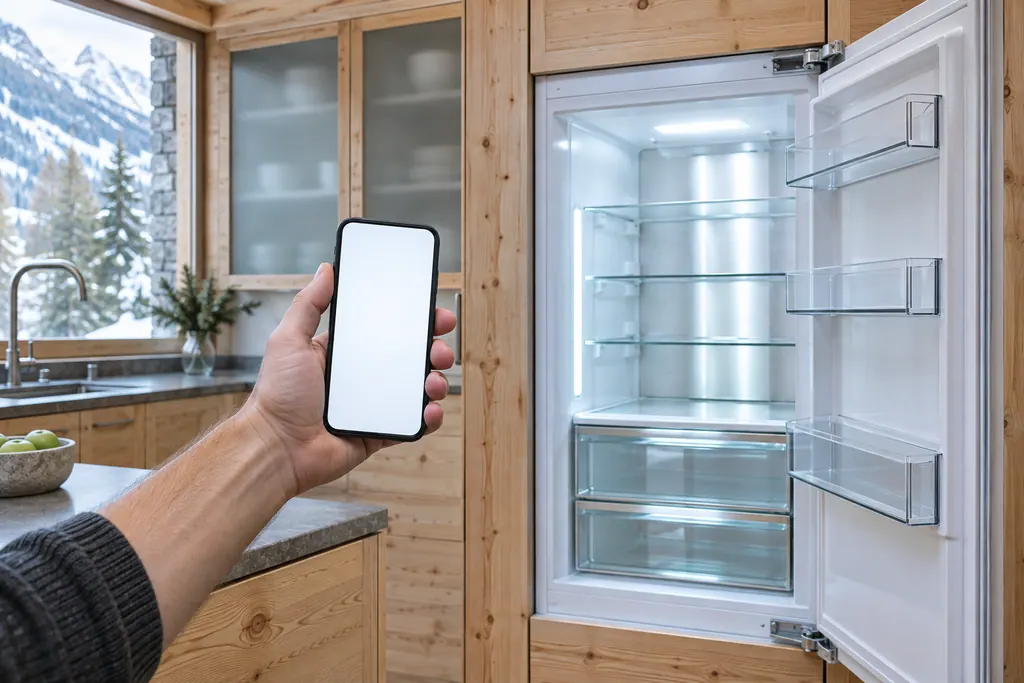
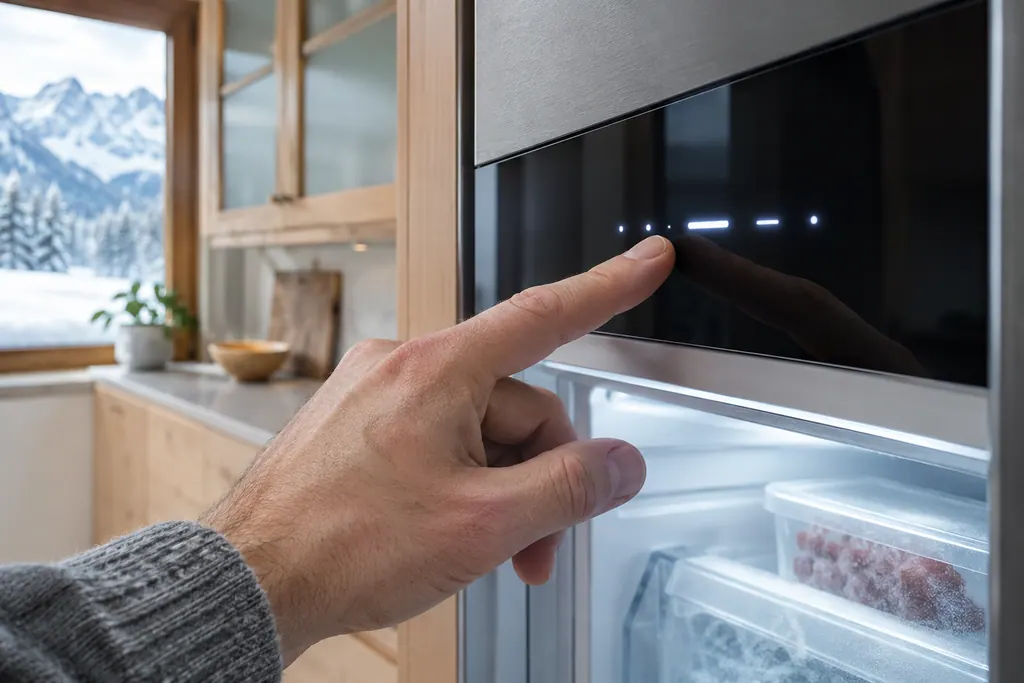
The first connection is often the easiest time to make mistakes, so keep the phone near the appliance and the router within reach. The radio uses the 2.4 GHz band and a maximum radiated power below 100 mW, which is a short-range signal. 12
Our guide to the model plate is useful here, because the app and the support team may ask for the model name.
How do I check, disconnect or reset the WiFi?#
Each is a function in the same WiFi menu. You can show information about the connection, disconnect, or reset. Disconnecting ends the link, and the display then confirms that there is no connection. Resetting returns the WiFi connection and the other WiFi settings to their original values. 123
The information screen shows the network name (SSID) and the firmware and hardware versions of the WiFi part. The manual's example is an SSID such as a router name, followed by FW and HW fields. 3 It is a read-only view that helps when you compare the appliance with your router.
| Action | What happens |
|---|---|
| Show WiFi information | Displays details of the current connection, such as the SSID |
| Disconnect | The link ends and the appliance has no connection |
| Reset | The WiFi connection and other WiFi settings return to their original values |
| Factory reset (separate function) | Resets all settings, not just WiFi |
The last row is a different function. Do not use the full reset to fix a WiFi problem; see our guide to the input lock and factory reset.
What does WLAN error mean?#
On the SF 5291 and URh 375i, it means the appliance could not be connected to WLAN, and the manuals say it only appears the first time the appliance is set up. The fix is to check the WLAN connection and connect the appliance again. 12
That description covers the usual case: a typed password, a weak signal or a router set to a different band. The manuals do not list reasons, so the checks below are the ones you can make yourself.
- Is the router switched on and online?
- Does it offer a 2.4 GHz network?
- Is the appliance close enough to receive the signal?
- Did you complete the registration in the app first?
Read the freezer WLAN error page or the refrigerator one for the on-screen wording.
What do the WLAN messages on the wine cabinet mean?#
Two messages exist on the W5250. One appears when the WLAN connection is interrupted, the other, WLAN WWW error, when there is no internet connection via WLAN. In both cases you check the connection and press the confirmation button to end the alarm. 3
So the first points to the link between the cabinet and your router, while the second suggests the router itself has lost its internet. Test another device on the same network before you blame the cabinet.
The same warning table lists the cabinet's other messages: Door open, Temperature alarm, Power failure, the electronic door being opened manually, and Error. The signal gets louder until you acknowledge the message, and the confirmation button ends it. 3 Our wine cabinet Temperature alarm page and Door open page describe the two you are most likely to meet.
The wine cabinet also gives a countdown when it starts with demo mode active. For the SmartDeviceBox setup, the manual notes that you must deactivate DemoMode before the countdown finishes. 3
Does the app change how the appliance cools?#
The manuals describe SmartDevice as a way to operate the appliance and to reach extra settings. For instance, you can activate SuperFrost or PowerCool from the app instead of the display, and the freezer's BottleTimer lives in the app. 12
Everything else still happens on the appliance. The same goes for alarms: warnings are shown on the appliance's own display, and they are ended there. 12 You can keep using the display if your WiFi is down. Our input lock guide explains what to do when the display itself does not respond.
| Function | Where the manual offers the app as a second way |
|---|---|
| SuperFrost (SF 5291) | Activate or deactivate with the SmartDevice app 1 |
| IceMaker and MaxIce (SF 5291) | Activate or deactivate with the SmartDevice app 1 |
| EnergySaver (SF 5291) | Activate with the SmartDevice app 1 |
| SuperCool and PowerCool (URh 375i) | Activate or deactivate with the SmartDevice app 2 |
| BottleTimer (SF 5291 freezing of bottles) | Lives in the SmartDevice app only 1 |
That list is not complete. The manuals say additional functions and setting options are available in the app. 123
What should be ready before I pair a new appliance?#
Three things: the app installed, your registration finished, and the appliance switched on and out of demo mode. The manuals list the first two as requirements for the first connection, and the W5250 adds the SmartDeviceBox as a third. 123
If a newly installed appliance starts with DEMO on its screen, deactivate it first; the SF 5291 and URh 375i give you 5 minutes to do so after the first start, and demo mode switches off all refrigeration. 12 See our demo mode guide if the display is still showing it later.
If nothing happens, go back to the start of the WiFi function and run the sequence again, or use the WiFi reset to clear a half-finished attempt. 12
When is it a service matter?#
When the connection will not form after a WiFi reset and a router check, or when the display shows Error. 12
The Monolith freezers also print a separate Connection failure message: the connection is disabled, nothing needs to move to another appliance, and the message stays until service has rectified it. 4 See the freezer Connection failure page.
Our independent repair company is separate from Liebherr, and a unit within Liebherr's own warranty is repaired through Liebherr. For other units, book a visit with the model name and the exact message text. The technician agrees the price with you before any work starts. The exact cost is confirmed after the on-site diagnostic. See the refrigerator repair page and the wine storage page.
Sources#
- User GuideLiebherr-Hausgeräte (US market edition; linked from https://www.liebherr.com/en-us/p/sfnsth-529i-3033451) · PDF created 10.11.2025; file tag SFNsth529i_237; cover: SF 5291; US product page SFNsth 529i · PDF pages 6, 11, 12, 16, 22, 31
- User GuideLiebherr-Hausgeräte (US market edition; linked from https://www.liebherr.com/en-us/p/urh-375i-3033413) · PDF created 07.09.2026; file tag URh375i_137; US product pages URh 365i, URh 375i · PDF pages 10, 11, 19, 25
- User GuideLiebherr-Hausgeräte (US market edition; linked from https://www.liebherr.com/en-us/p/wpsd-5252-3033484) · PDF created 07.07.2025; file tag WPsd5252_137; cover: W5250 (freestanding wine cabinet); US product page WPsd 5252 · PDF pages 5, 11, 12, 20
- Use and Care Manual FreezerLiebherr-Hausgeräte (US market edition; linked from https://www.liebherr.com/en-us/p/efnhi-9971-3033453) · PDF created 07.04.2026; file tag EFNhi9971_237; cover: MF 1851 / MF 1861 / MF 2451 / MF2461 / MF 3051 / MF 3061 / MF 3651 / MF3661, 7085 979-01 · PDF page 20