Diagnostics and repair
Experienced technicians check the cooling before proposing work. OEM parts are ordered when needed, with the right one picked for your model.
The care journal
Get more from the temperature settings, modes and storage zones your Liebherr appliance already offers.
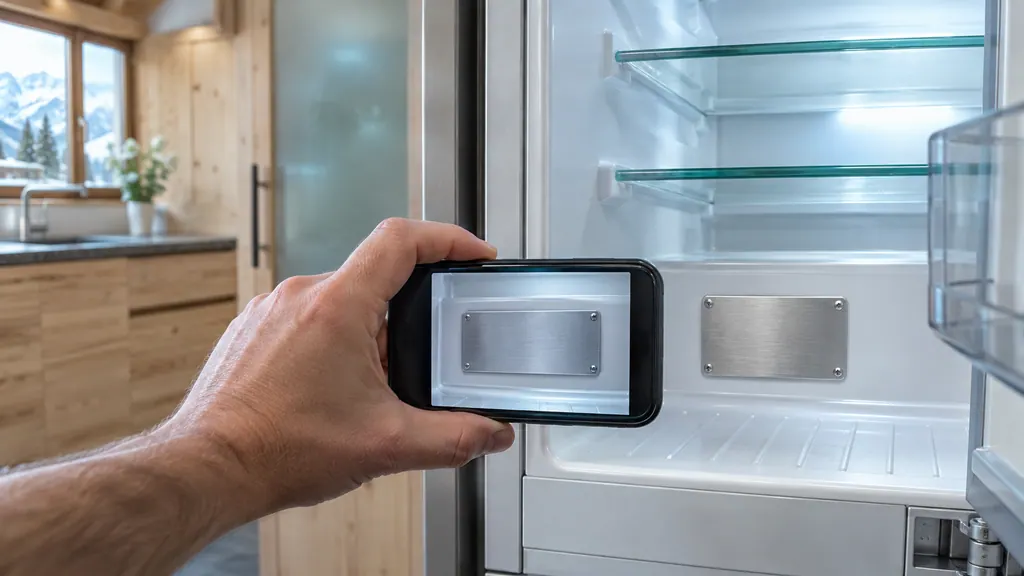
Open the appliance information screen on a Touch model, or look for the plate inside the appliance: behind the drawers on the SF 5291, bottom of the interior on the URh 375i and UW 3710, bottom left on the W5250. It lists the name, the service number and the serial number. [1][2][3][4]
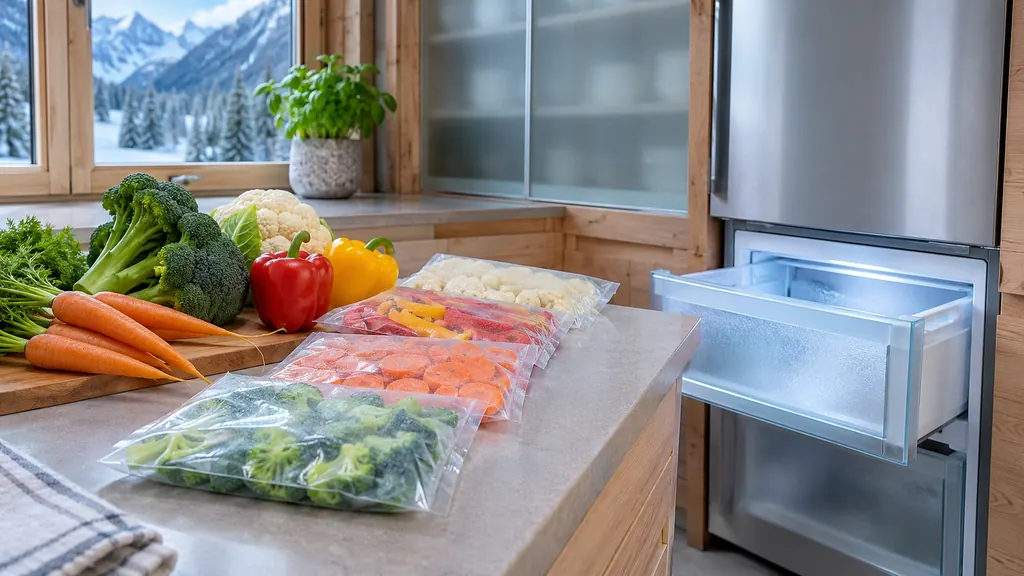
Start SuperFrost about 6 hours before you load a small batch and about 24 hours before the largest batch the type plate allows. On the SF 5291 and SUFN 365i, use it whenever you freeze more than roughly 2 kg (4.41 lb). [1][2]
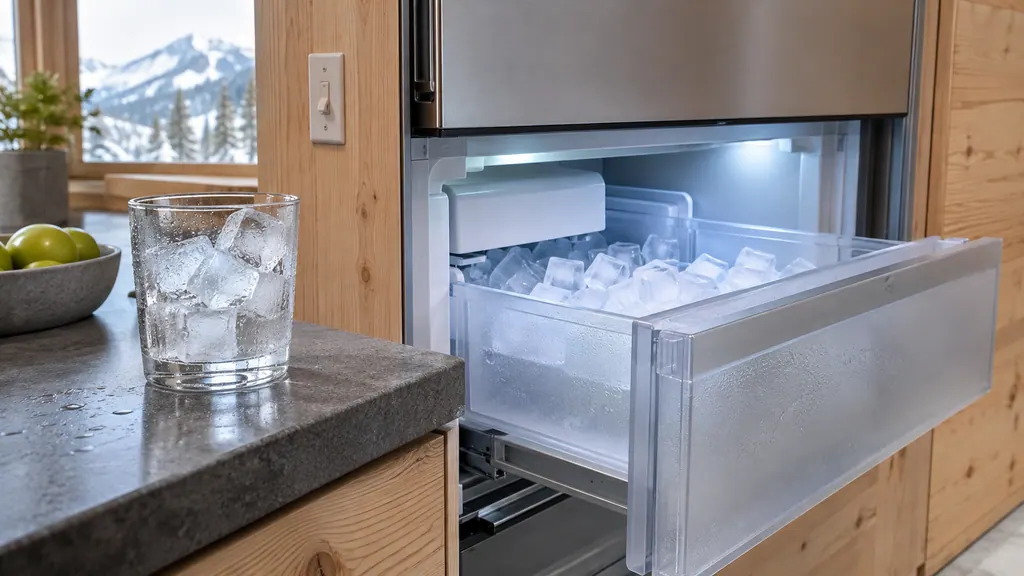
On the SF 5291 the IceMaker needs a cleaned unit and an open water connection, then up to 24 hours for the first cubes. MaxIce lifts output from 1.2 kg to 1.6 kg a day for 48 hours, and the water inflow can be set from 1 to 8. [1]
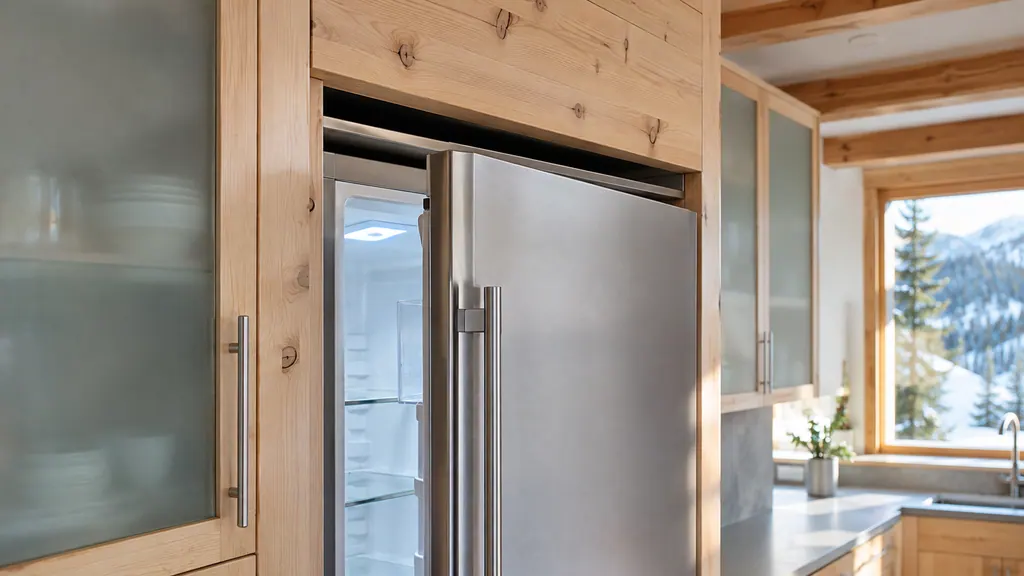
EnergySaver lowers energy use by letting the interior run warmer: a freezer rises from -18 °C to -16 °C (about 0 °F to 3 °F) and a refrigerator from 4 °C to 7 °C (39 °F to 45 °F). Liebherr says food stays fresh but shelf life is shorter. [1][2]
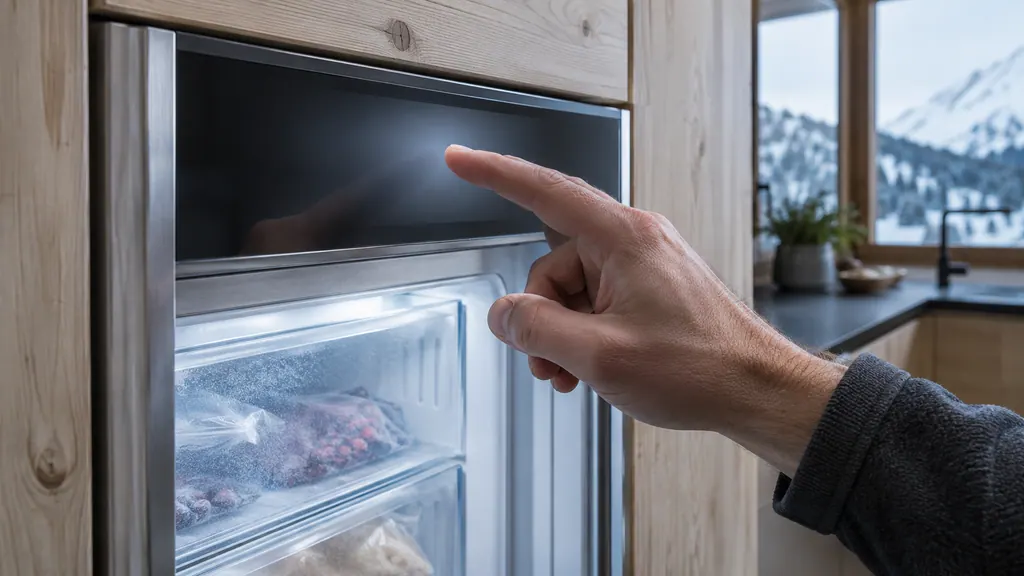
The input lock stops accidental changes: with it on, you can still move through the menus but cannot select or change functions, switch the appliance off or alter the temperature. Brightness has four steps from 40 % to 100 %. A reset returns every setting to its original value. [1][2]
Install the SmartDevice app, finish registration, then start the WiFi function on the appliance and follow the manual's illustration. A SmartDevice-compatible model, such as the W5250 wine cabinet, also needs a SmartDeviceBox. The band is 2.4 GHz. [1][2][3]
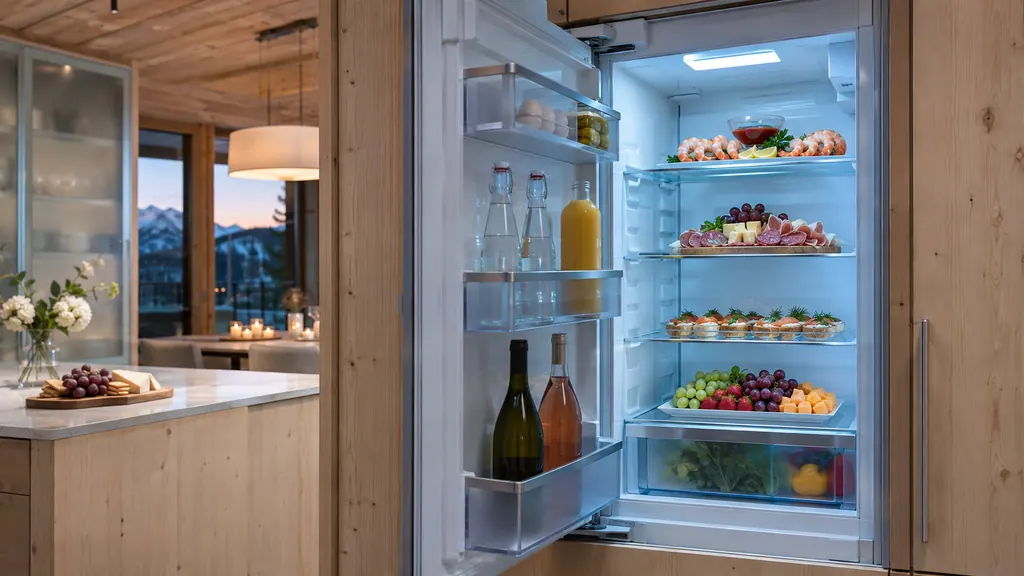
Use SuperCool when you bring home a lot of food (it ends after 18 hours), PowerCool in a hot, humid room or to stop condensation, PartyMode for a gathering (24 hours) and HolidayMode for a long absence (fridge at 15 °C, 59 °F, and emptied first). [1][2]
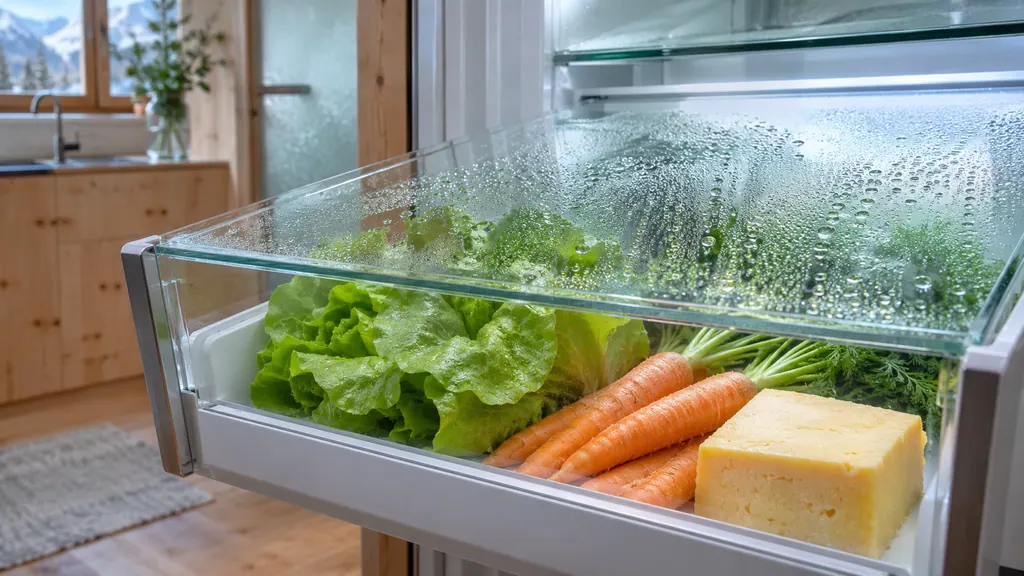
BioFresh keeps two safes close to 0 °C (32 °F): Fruit & Vegetable for unpackaged produce and Meat & Dairy for sensitive food. The B-Value adjusts them from B1 (coldest) to B9 (warmest), and B5 is the setting the appliance arrives with. [1]
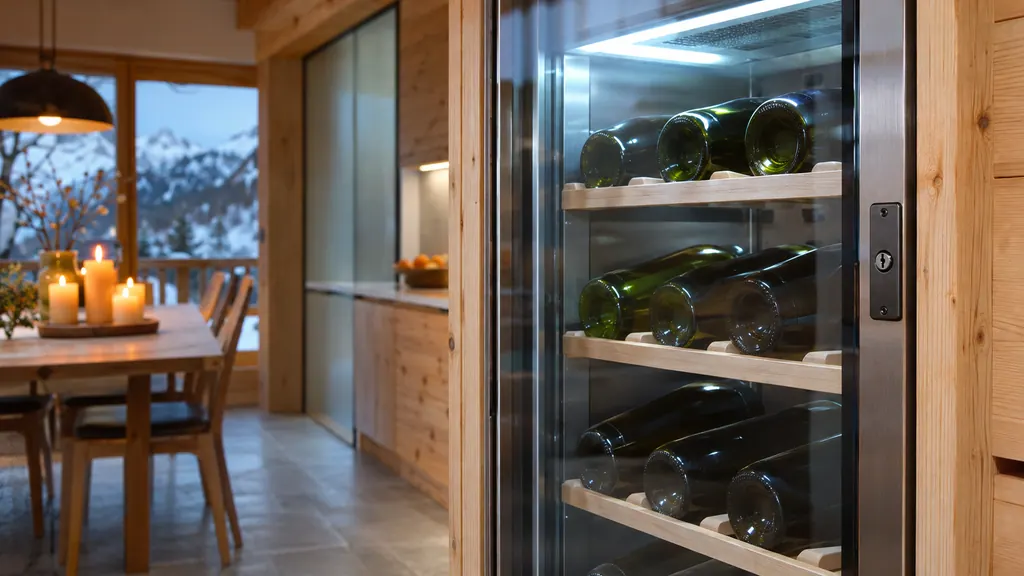
The electronic lock opens and closes with the door code and always locks itself after a power outage; that cannot be switched off. If the power is out, the manual describes an emergency release key that is inserted between the door and the body and pulled toward the hinge. [1][2]
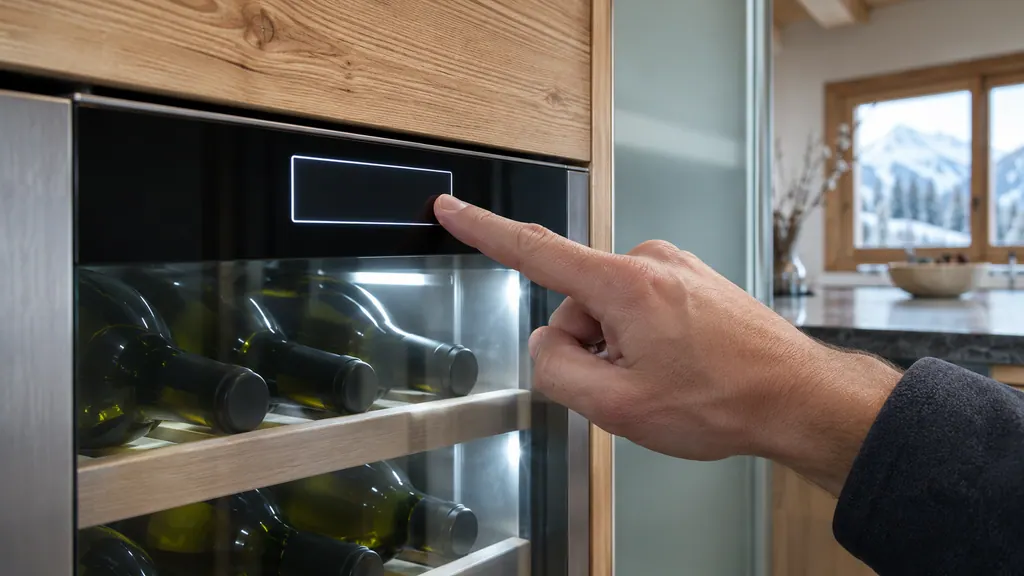
The display lock stops accidental changes, including switching off and moving the temperature. Alarm sound switches all alarms such as the door alarm on or off, brightness runs from 20 % to 100 %, and a forgotten display code is reset only by a reset to factory settings. [1][2]
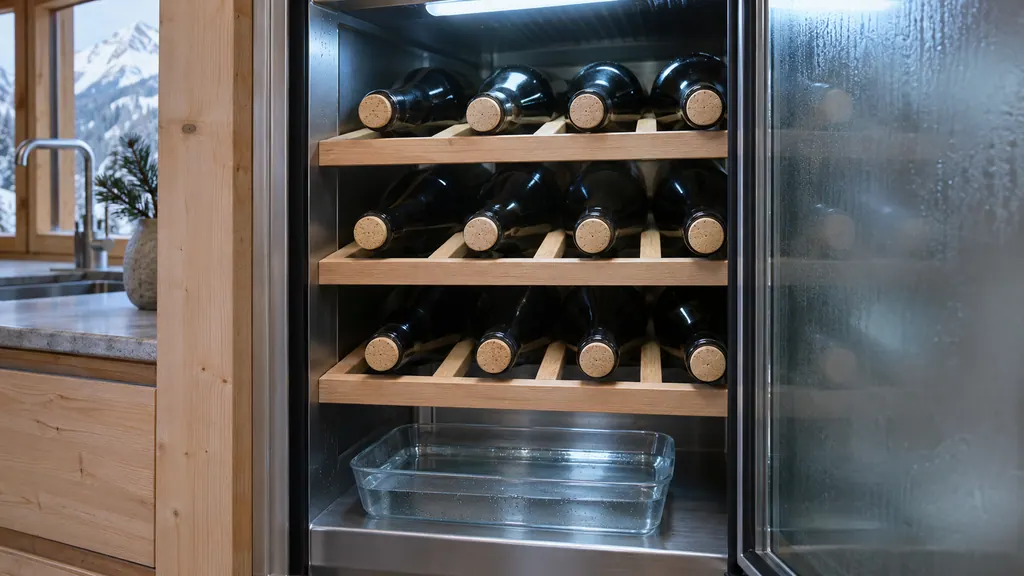
Leave HumiditySelect on standard in a room with 50 to 80 % humidity and choose high when the room air is below 50 %, accepting higher energy use. Models with a water box can add moisture; fill it no more than 400 ml (13.53 oz) above the holes in the cover. [1][2]
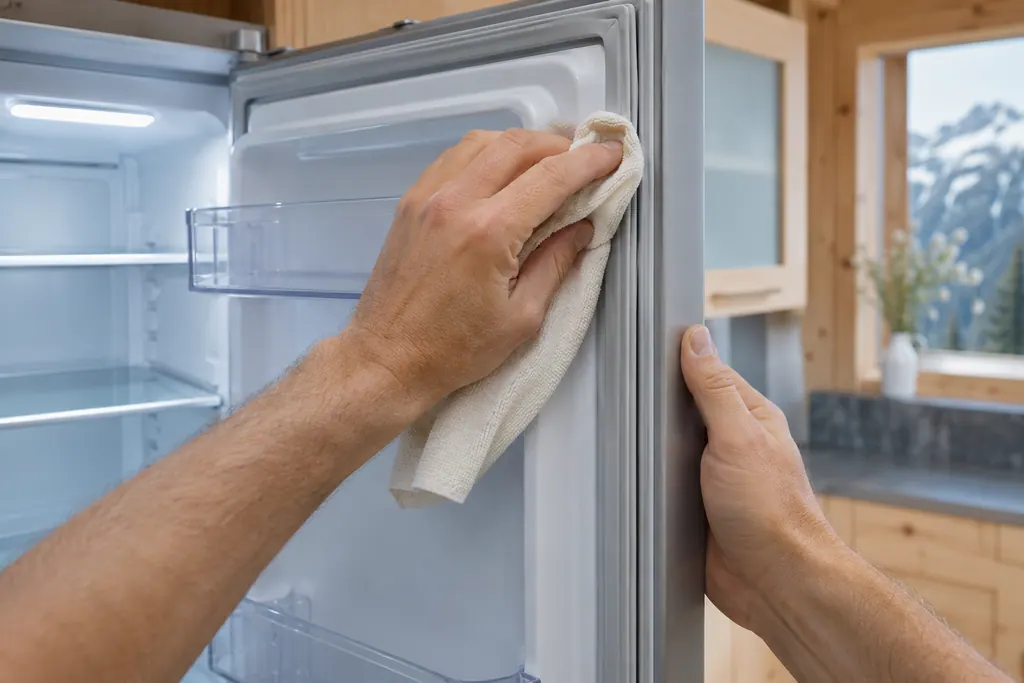
The status display shows SabbathMode continuously, and the screen ignores every touch except the one that ends it.
Read the full sequence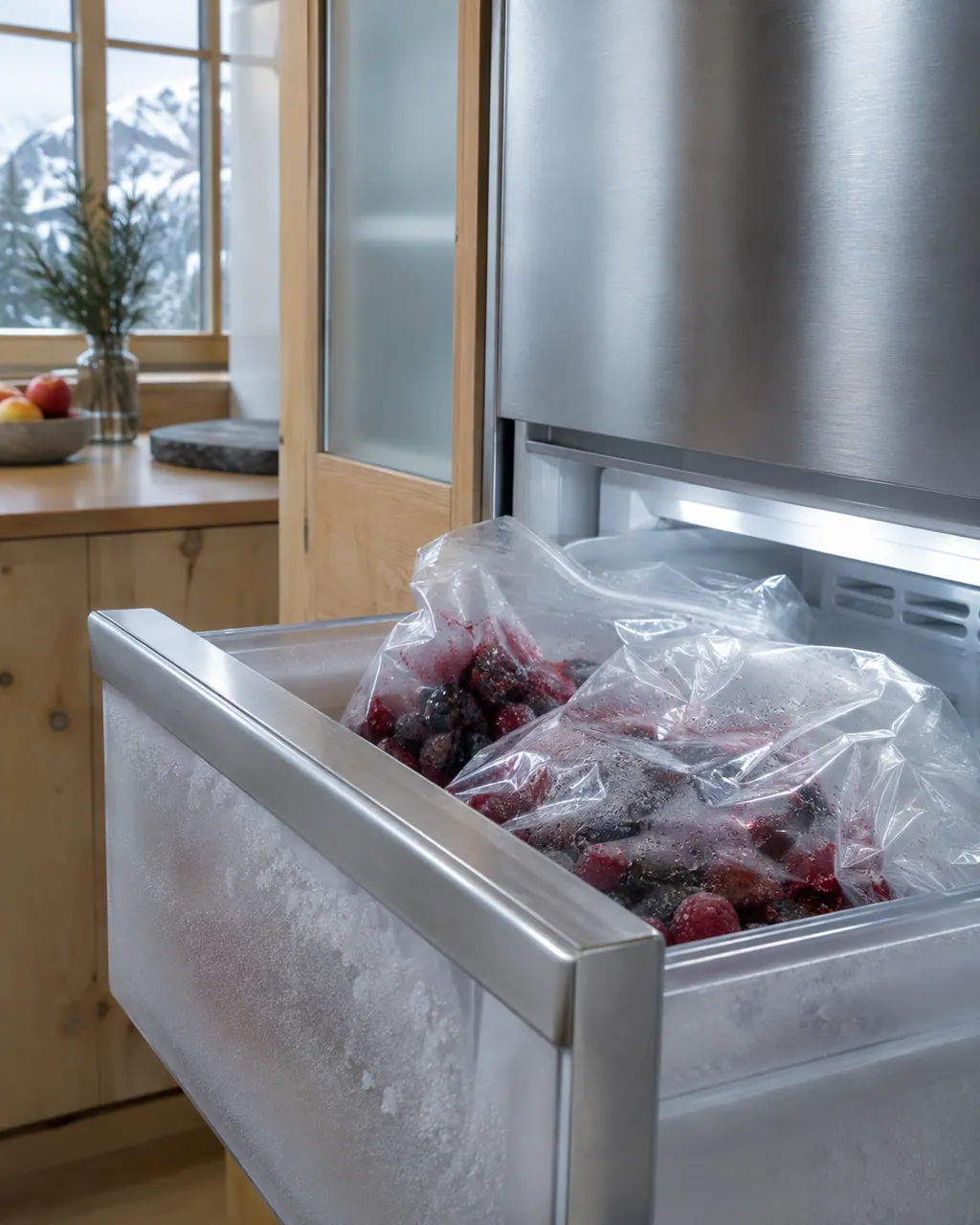
A Liebherr freezer that runs warm often has a simple cause that the user guide lists: a door left ajar, a blocked ventilation grille, a hot room, a heat source nearby, too much fresh food added without SuperFrost, or a setting that is too warm. Work through that list. If it stays warm, book a technician.
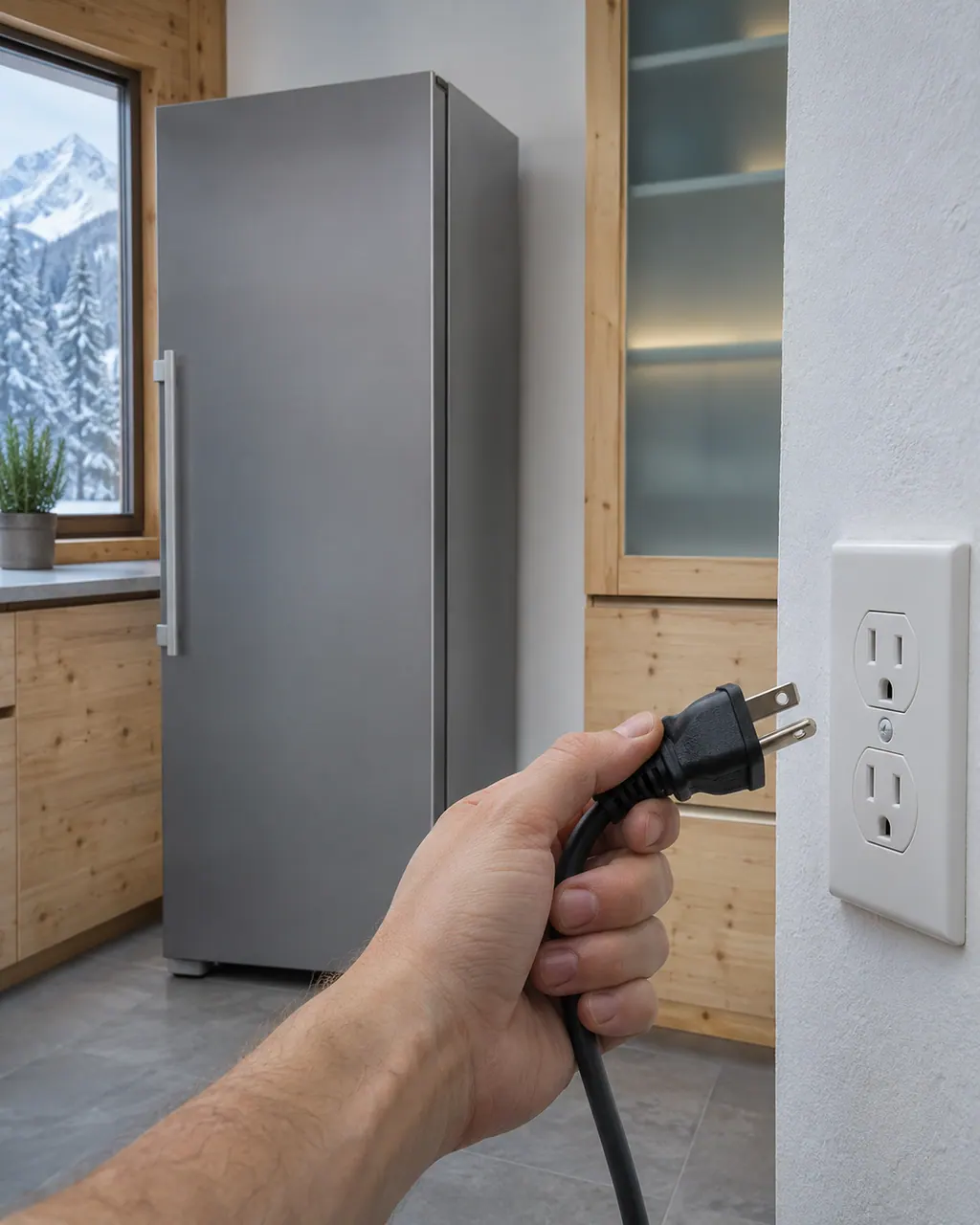
If a Liebherr freezer is dead, the user guide lists four things for the owner to rule out first: the freezer was never switched on, the plug is not seated in the wall socket, the fuse behind that socket is not good, or the IEC socket on the back is not plugged in properly. After those, book a technician. Keep the door shut meanwhile.
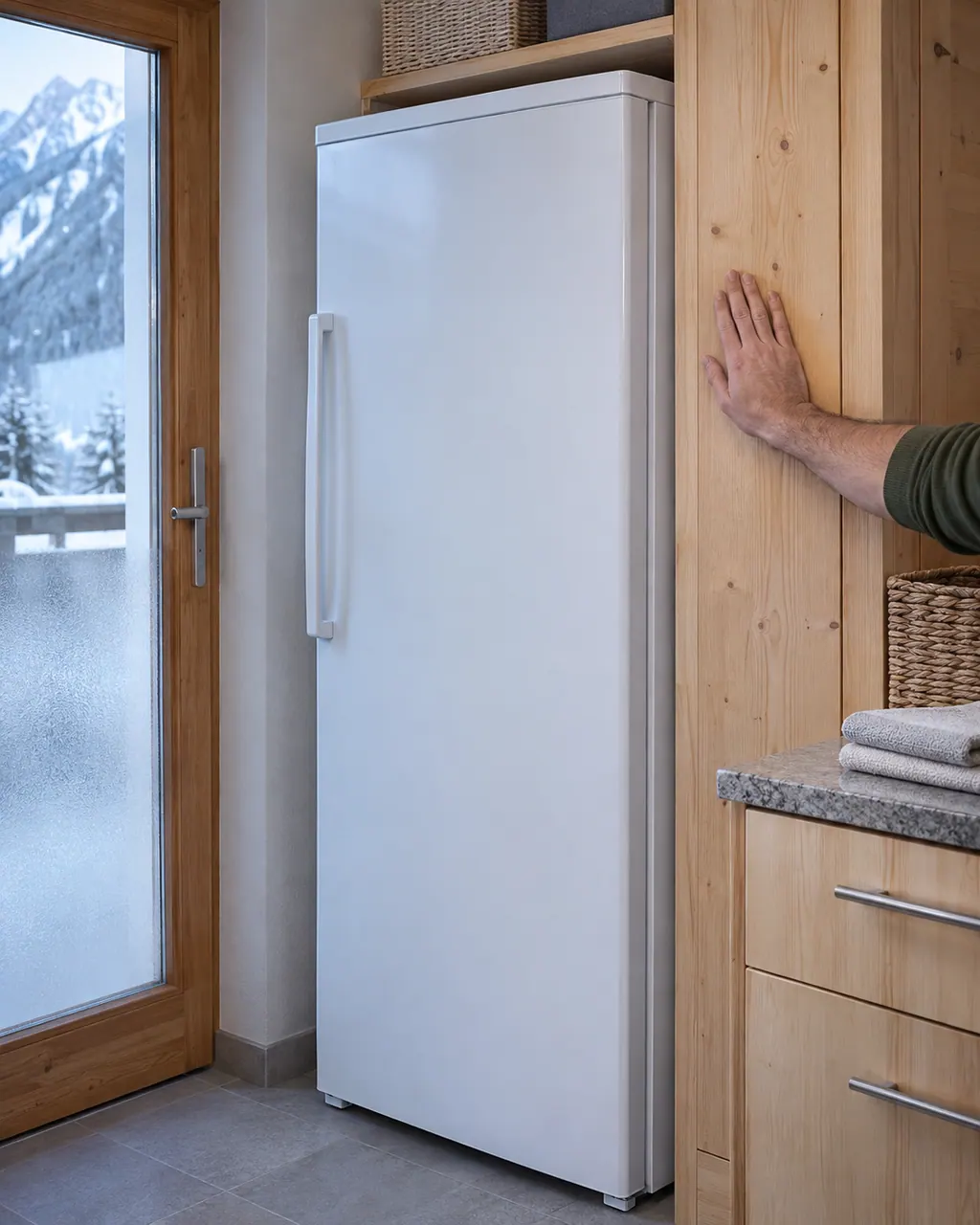
Most Liebherr freezer sounds are normal. Bubbling, hissing, humming, clicking, rattling from the valves and a running fan are listed as normal in the user guide. Two are listed as noises that need action: vibration from an unsuitable setup, and clattering from items or equipment that touch. If neither fits, book a technician.
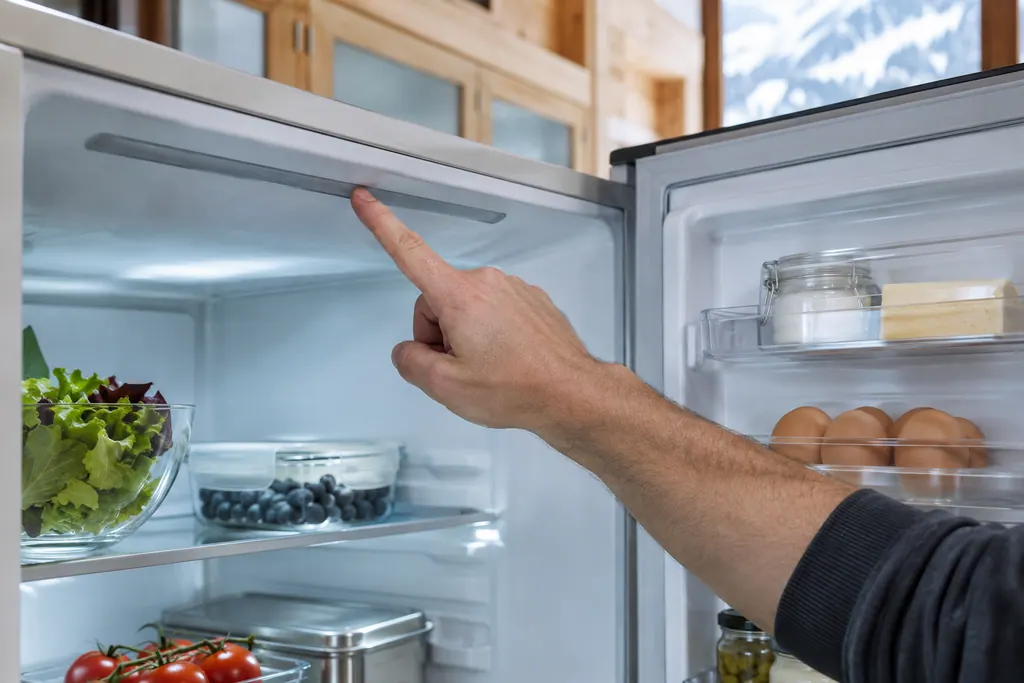
Liebherr's tables say the interior light stays off if the unit is off or the door has been open over 15 minutes, when it switches off by itself. A damaged LED or cover is a case for a technician.
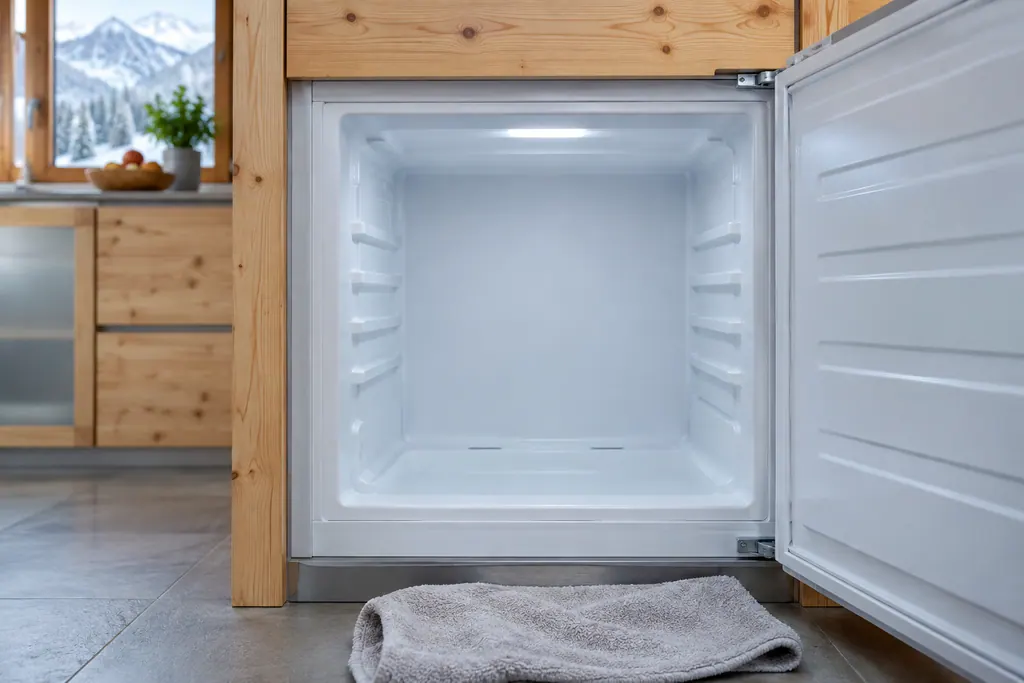
Liebherr's NoFrost freezers defrost automatically: moisture collects on the evaporator, then is periodically defrosted and evaporated. The SF 5291 guide says the unit never needs manual defrosting, though water droplets may collect on its floor.
Experienced technicians check the cooling before proposing work. OEM parts are ordered when needed, with the right one picked for your model.
A Liebherr still under its manufacturer warranty is repaired through Liebherr for covered issues. Our own repairs carry a workmanship warranty.
No. A guide covers daily use in simple wording and sends you to the manual for anything that varies by model.
Spread items so air can circulate and do not wedge the drawers shut. The manual you own gives the loading limits.
Use the display or app steps in your manual, because they differ between series. We only repeat what the manual states.
It switches some functions off, as the manuals say. Read what your model disables before you turn it on.
Liebherr alarms, symptoms, cooling parts, repair visits
If a Liebherr refrigerator is not cold enough, the user guides list the same few causes: the door is not closed properly, the room is too warm, the door has been opened too often or too long, the temperature is set too warm, a heat source is close, or too much fresh food went in. Check those first. If it stays warm, book a technician.
Book a diagnostic for your exact model, carried out beside the unit.
Office details, plus the access notes to pass on to us.